Changing Your Pod 3
38
3 Changing Your Pod
First Time Activating a Pod
Your nurse/educator will help you set up your rst Pod.
Aer completing the PDM setup ow, the Home screen displays “No Ac t i v e P o d ”.
1. Tap SET UP NEW POD.
2. Go to “Preliminary Pod Change Steps” on page 40.
Deactivate an Active Pod
To deactivate and remove an active Pod:
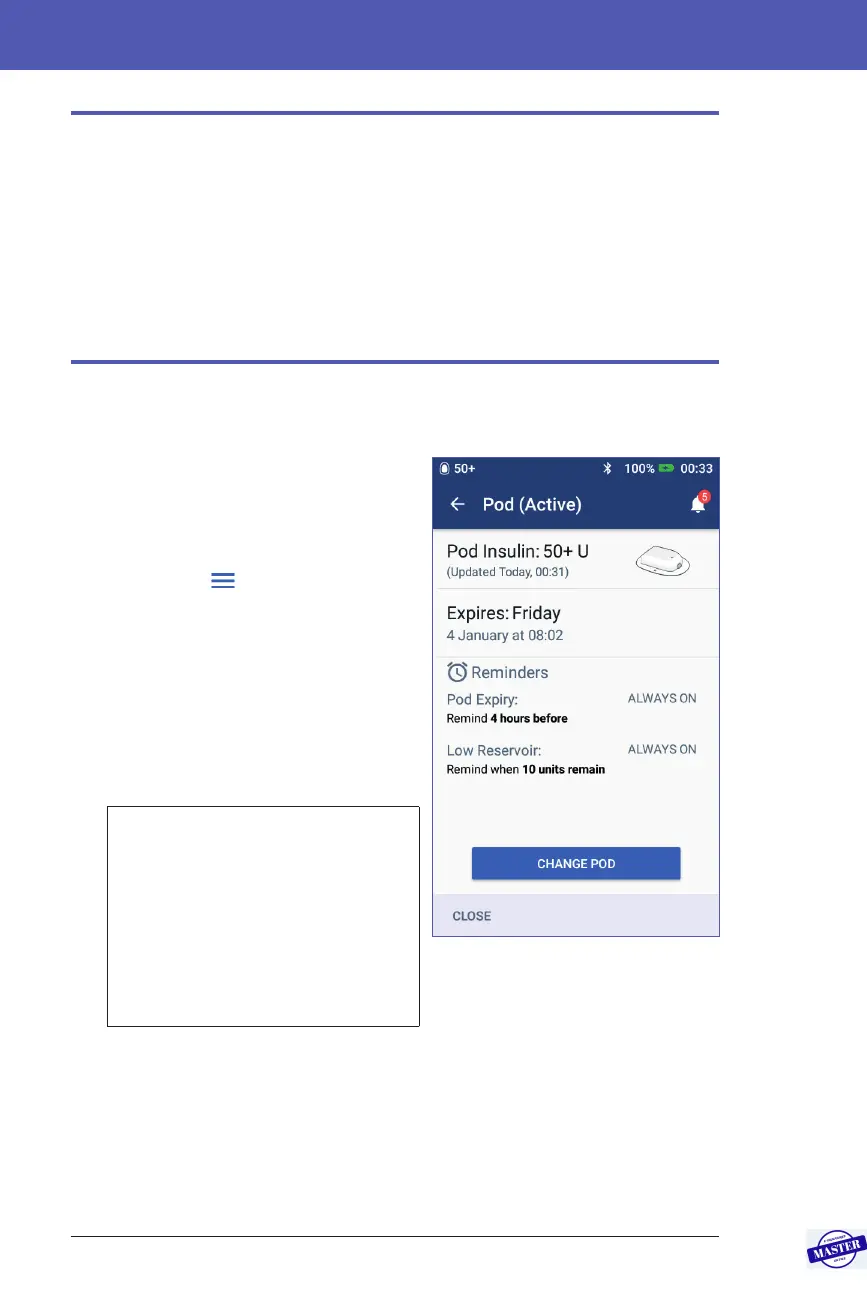
1. Navigate to the Pod change screen:
Home > Pod Info tab > VIEW POD
DETAILS
or
Menu icon (
) > Pod
2. Tap CHANGE POD, then tap
DEACTIVATE POD.
If a temp basal or extended bolus was
running, it will be cancelled now.
If you see a communication error
message, see “Error when deactivating
a Pod” on page 122.
Warning: Do NOT apply a new
Pod until you have deactivated
and removed the old Pod. A Pod
that has not been deactivated
properly can continue to deliver
insulin as programmed, putting
you at risk of over infusion and
possible hypoglycaemia.
Effective Date: 27SEP2019, ECO-000240



 To Next Page