63
Delivering a Bolus of Insulin 55 Delivering a Bolus of Insulin
6. Optional: Set up a reminder to check your blood glucose:
a. Tap CREATE BG REMINDER.
b. Tap the Check BG in eld and enter the time for the reminder.
c. Tap SAVE.
Note: e CREATE BG REMINDER button appears only if the “Check BG
aer Bolus” reminder setting is turned on. To turn this setting on or o, see
“Check BG aer Bolus reminders” on page100.
7. Tap START to begin the bolus.
e Home screen tracks the delivery of an immediate or extended bolus (see
“Tracking the Progress of a Bolus” on page 65).
Manually Calculated Bolus
A manually calculated bolus is a bolus
that you calculate yourself. If the Bolus
Calculator is set to “o ” or is temporarily
disabled, you must enter a manually
calculated bolus.
A bolus cannot be greater than your
Maximum Bolus setting (see “Maximum
Bolus” on page 105).
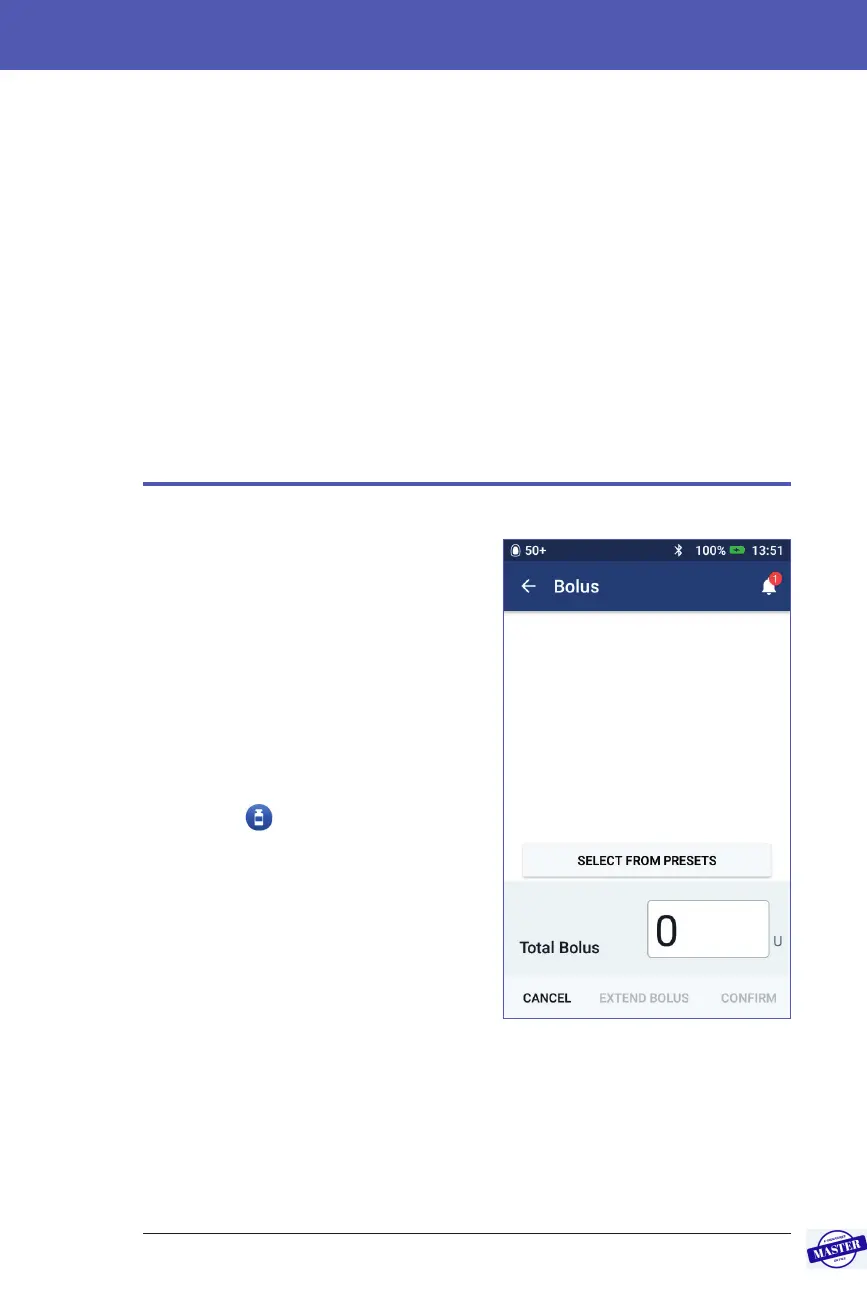
To deliver a manually calculated bolus:
1. On the Home screen, tap the Bolus
button (
).
e Bolus screen appears.
Note: A dierent screen appears if
the Bolus Calculator is active (see page
58).
2. Enter the bolus amount using one of
the following methods:
• Tap the Total Bolus eld and enter
the bolus amount. en tap the tick symbol.
• Tap SELECT FROM PRESETS and select the desired preset from the list.
is option is only available if the Bolus Calculator is turned o. To create
or edit a bolus preset, see “Bolus Presets” on page 81.
Effective Date: 27SEP2019, ECO-000240



 To Next Page