Iridium 9555 Satellite Phone User Manual 89
9: Using the Messages Menu
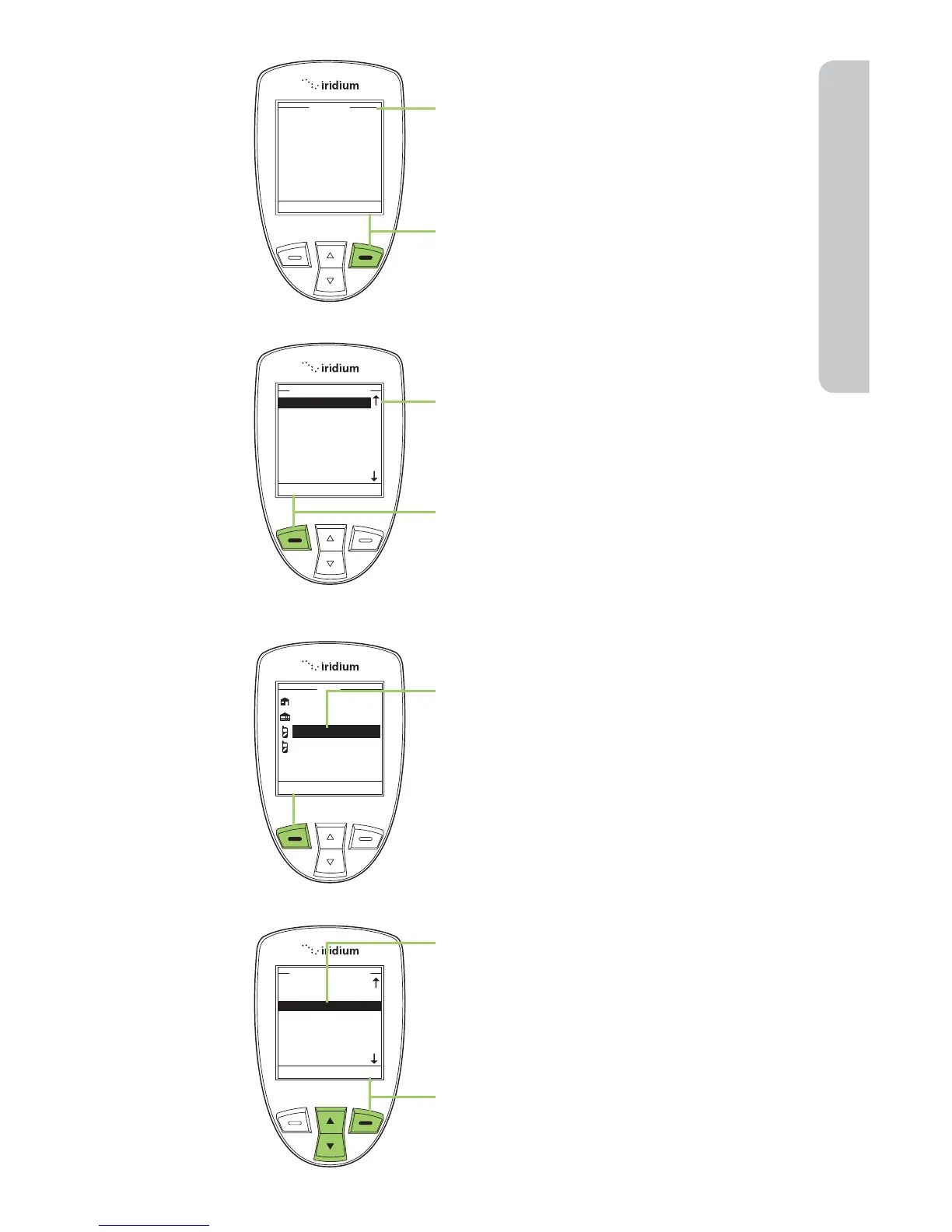
8. A Send To screen appears.
9. Press the right soft key, labeled
Add.
10. Use the 2-way Navi-key to highlight
your selection.
11. Press the left soft key, labeled
Select.
Note: If the Contact’s email address is
the only information listed, the screen
returns you to the Send To screen.
12. If the Contact has an email address
as well as a phone number listed,
you are presented with their
phonebook entry. Use the 2-way
Navi-key to highlight their email
address and press the left soft key,
labeled Select.
13. The Phonebook screen appears
with the recipient’s name
highlighted. To add another
recipient, use the 2-way Navi-key
to highlight the next recipient and
repeat step 10.
14. Once all recipients have been
selected, press the right soft key,
labeled Back.



 To Next Page