Iridium 9555 Satellite Phone User Manual 91
9: Using the Messages Menu
Using the Inbox Menu
You can do the following functions using the Inbox menu:
Note: If the message storage space on your SIM card is full, you cannot
store a message for later retrieval. See “Delete a Message” on page 96 to
make room for new messages on your SIM card.
Read a Message
• Reply to a message
• Forward a message
• Call the number that left the message
• Delete one or all messages
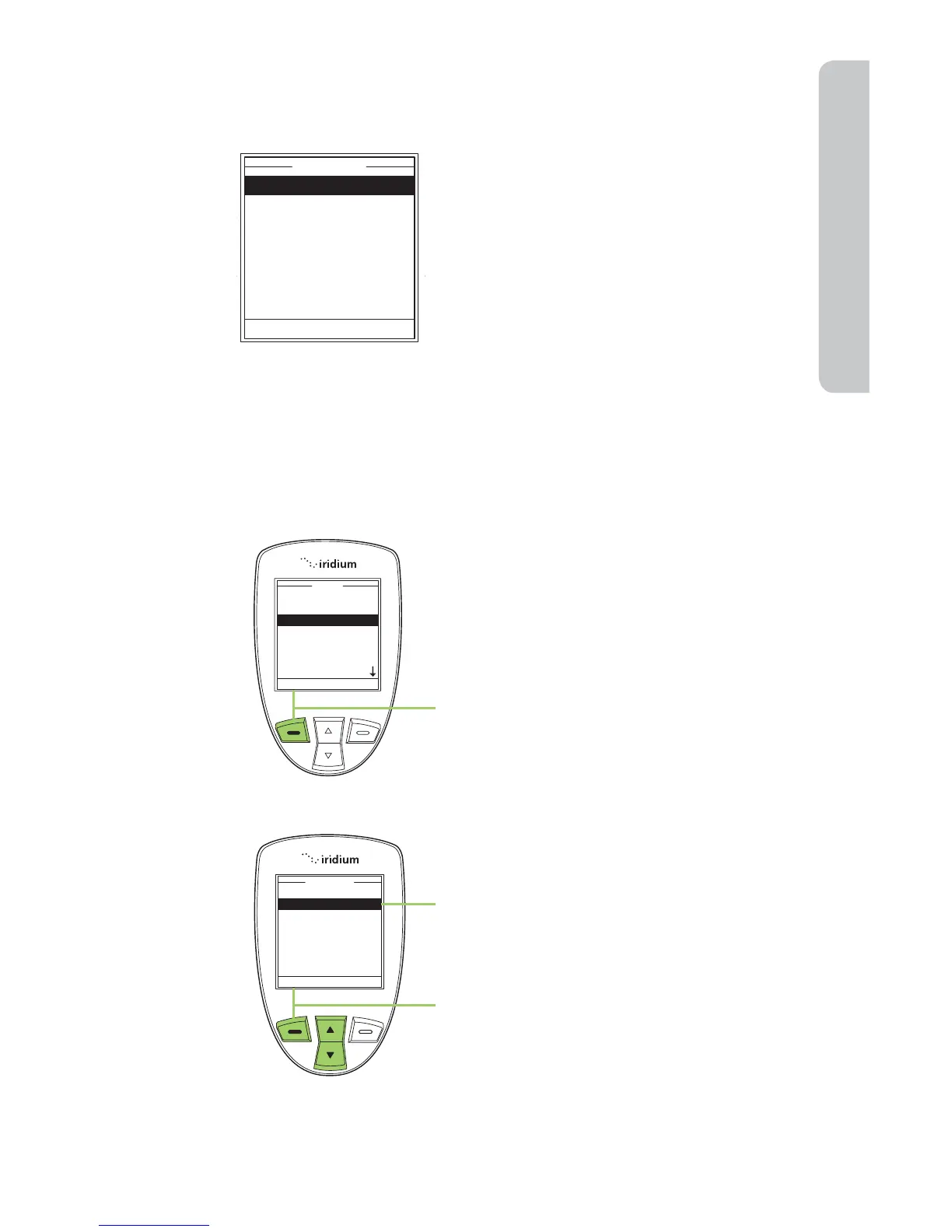
Start at the Main Menu with Messages
highlighted:
1. Press the left soft key, labeled Select.
2. Use the 2-way Navi-key to scroll until
Inbox is highlighted.
3. Press the left soft key, labeled Select.



 To Next Page