2: Safety
6 Iridium 9555 Satellite Phone User Manual
• Do not allow the battery to touch metal objects. Contact
with metal objects can cause the battery to heat and possibly
explode.
• Do not place your battery near a heat source. Excessive heat can
damage the phone or battery by causing it to swell, leak or malfunction.
Do not dry a wet or damp battery with an appliance or heat source,
such as a hair dryer or microwave oven. Do not leave your phone in an
automobile or other vehicle with high temperatures.
• Do not drop the battery or the phone because the impact can damage
them.
• Do not dispose of batteries in a re, because they may
explode.
• Contact your service provider or Iridium if your phone or battery has
been damaged from dropping or high temperatures.
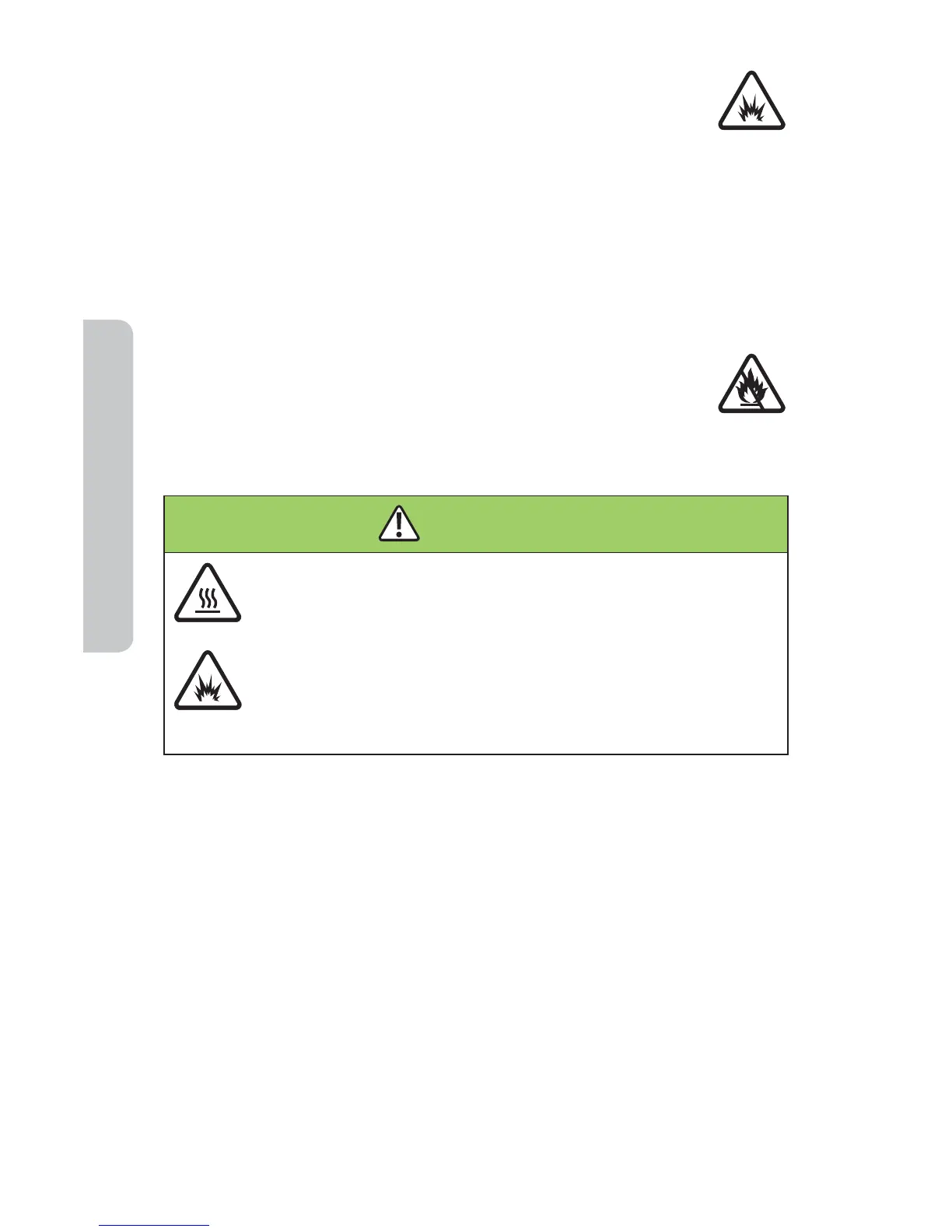
WARNING!
Use of non-Iridium batteries or chargers may present a risk
of re, explosion, leakage or other hazard.
Important
Use only Iridium original products for safety and quality
assurance. Iridium’s warranty does not cover damage
caused by use of non-Iridium batteries.
Battery Charging
Batteries may be charged and discharged many times, but eventually they
wear out.
Important: Follow these guidelines when charging your battery:
• Keep the battery at room temperature. Never expose batteries to
temperatures below 0°C (32°F) or above 45°C (113°F) when charging.
• New batteries are not fully charged and may take more time to charge.



 To Next Page