102 Iridium 9555 Satellite Phone User Manual
9: Using the Messages Menu
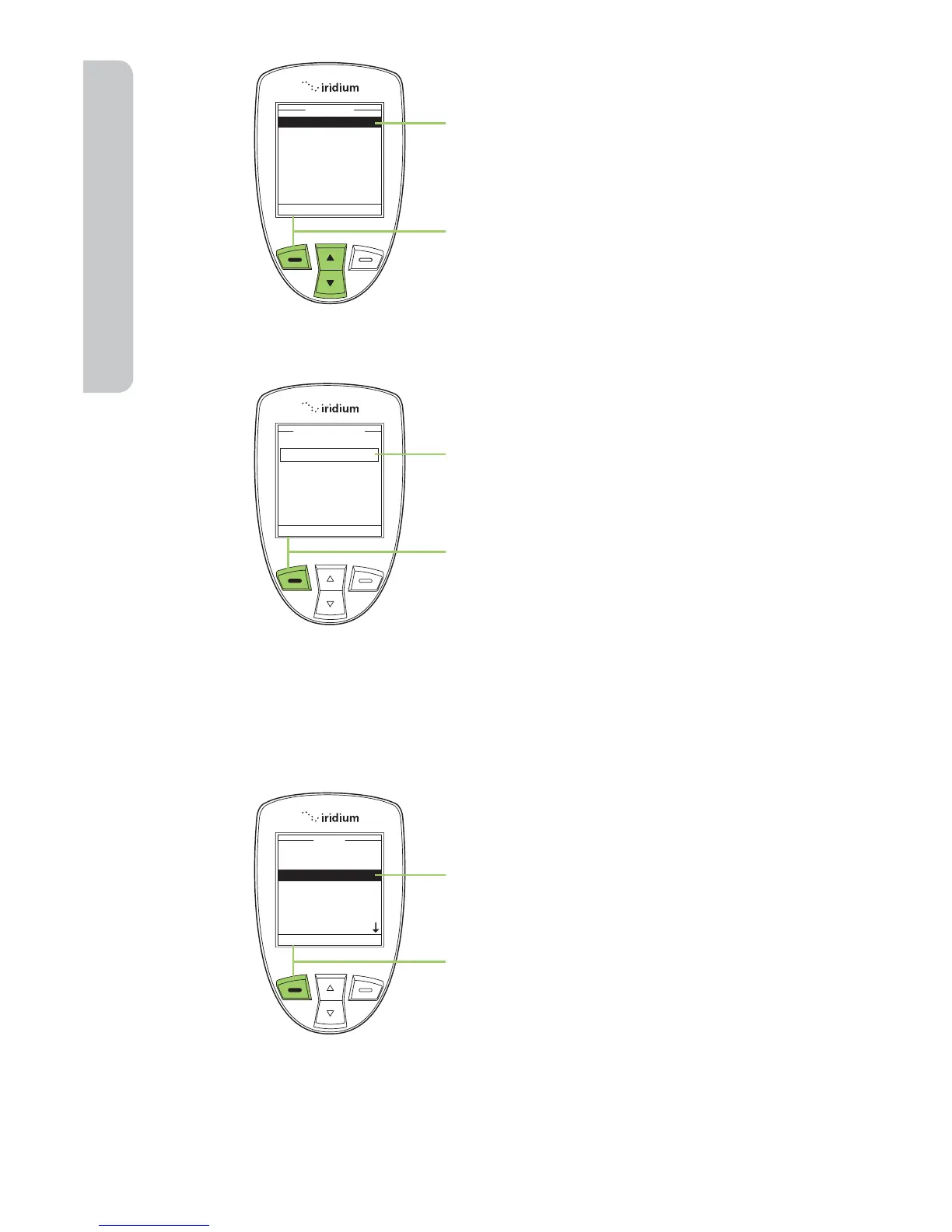
4. The Service Center option should
be highlighted. If not use the
2-way Navi-key to scroll until it is
highlighted.
5. Press the left soft key, labeled
Select.
6. Enter the service number.
7. Press the left soft key, labeled OK.
The screen returns to the Settings
menu.
Set Expiry Period
Use this capability to specify the amount of time your un-delivered
messages should wait before auto-expiring.
Start at the Main Menu with Messages
highlighted:
1. Press the left soft key, labeled
Select.



 To Next Page