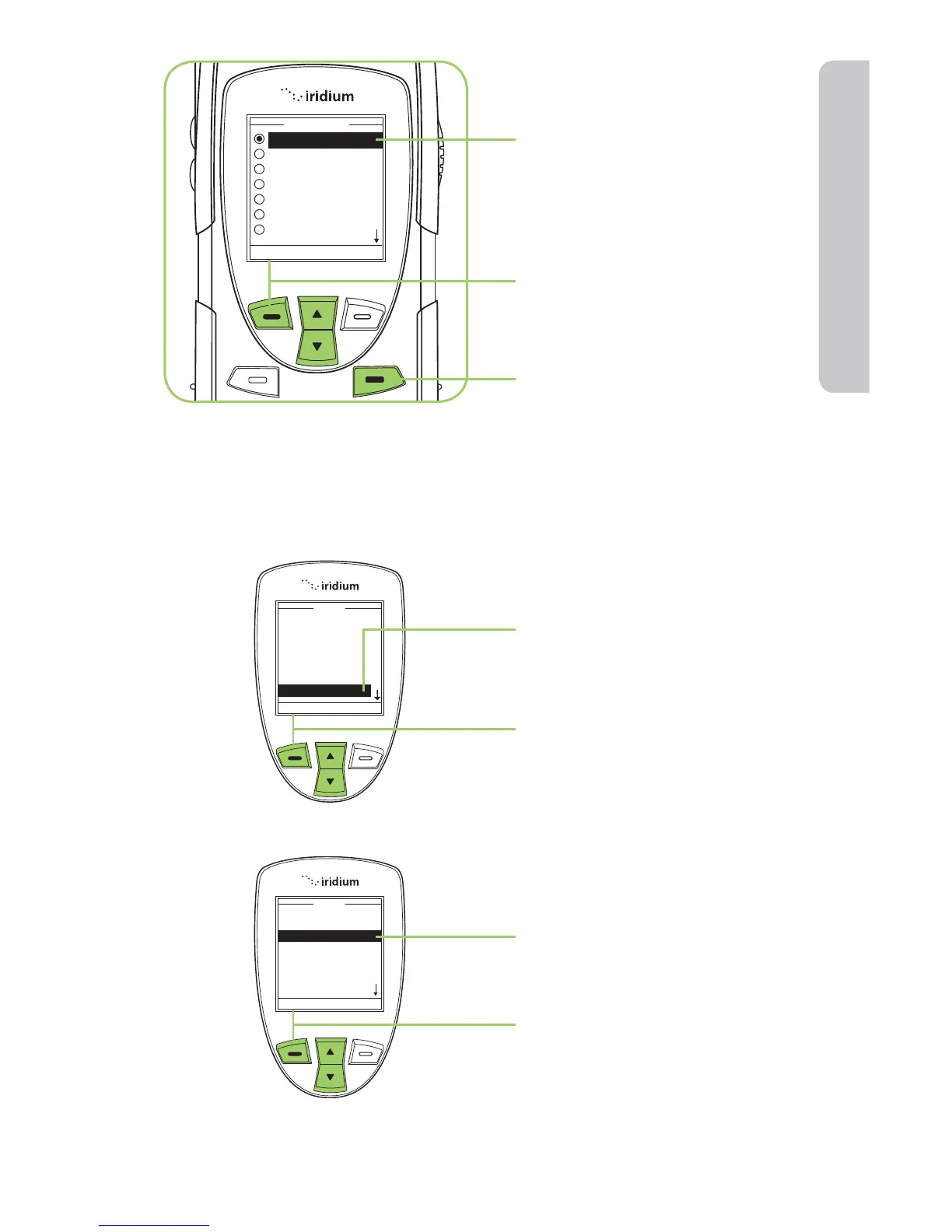
7. Use the 2-way Navi-key
until the required time zone
is highlighted.
8. Press the left soft key,
labeled Select.
9. Press the right soft key
labeled Back to return to
the Main Screen.
Select the Date Format
Starting from the Main Menu:
1. Use the 2-way Navi-key
to scroll until Setup is
highlighted.
2. Press the left soft key,
labeled Select.
3. Use the 2-way Navi-key to
scroll until Time & Date is
highlighted.
4. Press the left soft key,
labeled Select.



 To Next Page