Iridium 9555 Satellite Phone User Manual 43
4: Getting Started
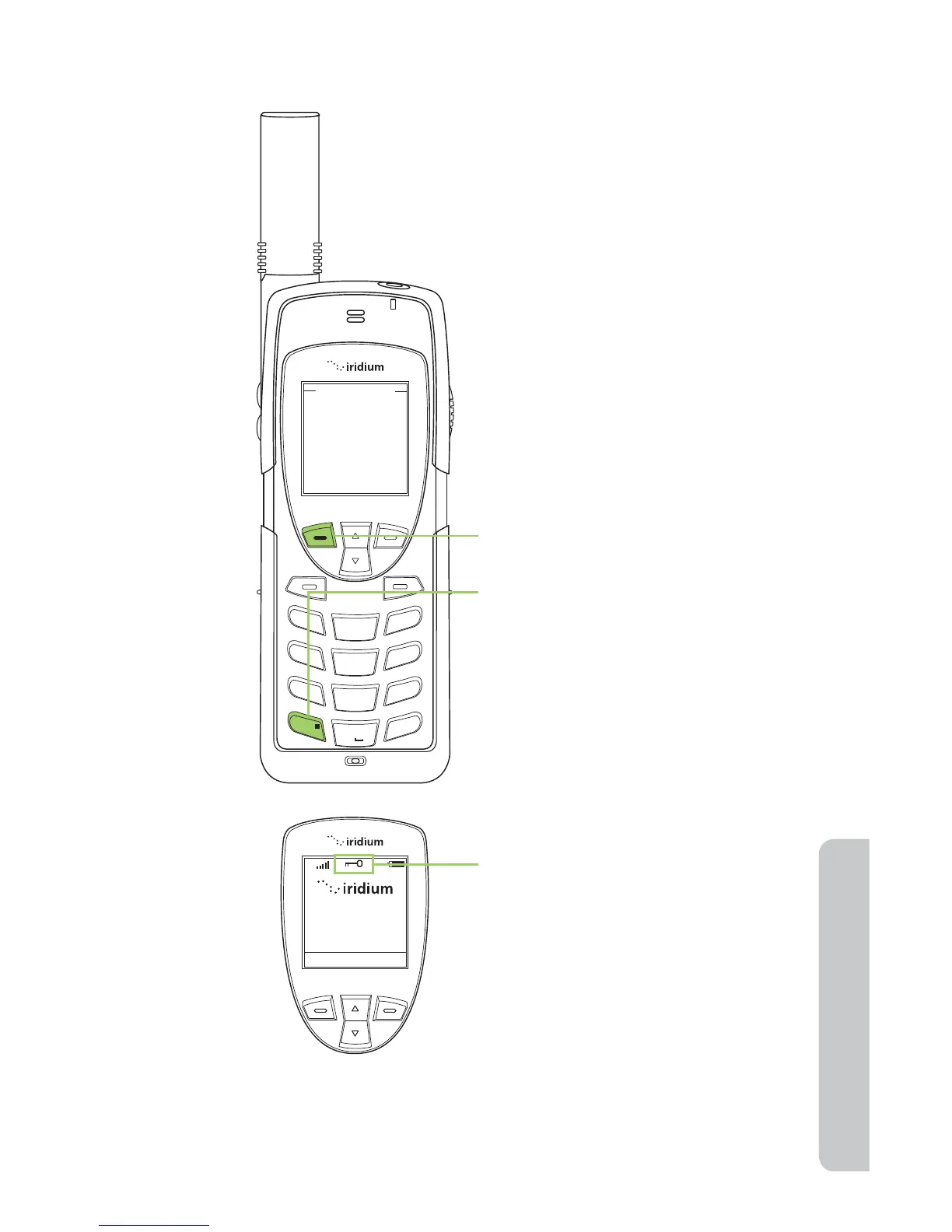
Locking and Unlocking the Keypad
Note: All keys with the exception of the power key are locked. You can
still answer an incoming call by pressing the green key or the left soft key
when the keypad is locked.
Keypad locked
Keypad locked
1
2
ABC
3
DEF
4
GHI
5 JKL
6
MNO
7
PQRS
8 TUV
9
WXYZ
0 +
#
*
∆
«
1. Press the left soft key, labeled
Menu.
2. Press the * key to lock the
keypad. A message will flash
indicating the keypad is locked.
To prevent accidental phone usage
you can lock the keypad by:



 To Next Page