14: Using the Security Menu
Iridium 9555 Satellite Phone User Manual 155
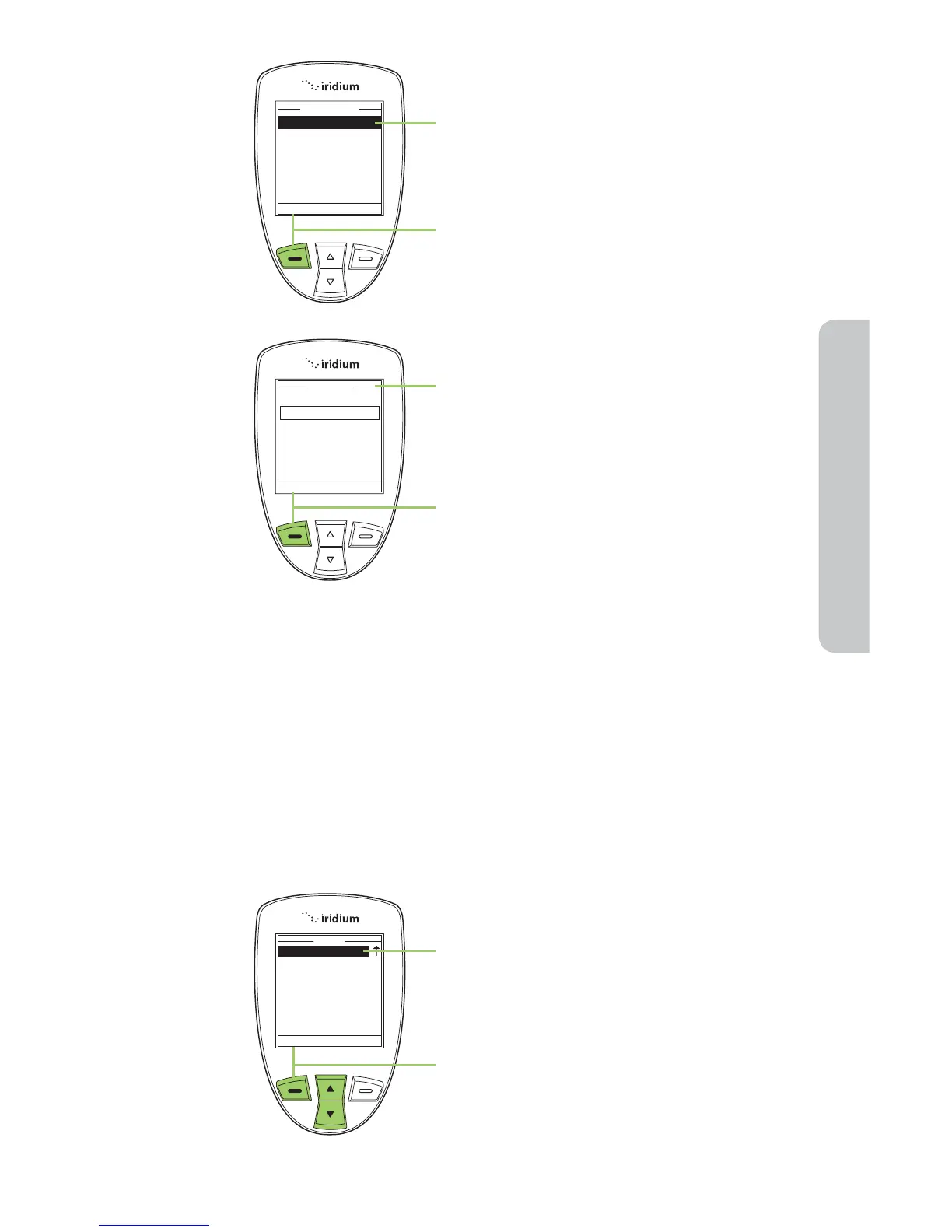
5. The Enable phone lock option is
highlighted. If not, use the 2-way
Navi-key to scroll until it is.
6. Press the left soft key, labeled Select.
7. The Enter PIN screen appears. Using
the keypad enter the PIN number.
8. Press the left soft key, labeled Select.
The Phone lock capability takes effect
when you turn OFF your 9555 Satellite
Phone. Each time you restart the phone,
you are prompted to enter your Phone
PIN. Once you do, the phone is fully
operational.
Enable or Disable the SIM lock
When you activate the SIM lock capability, your phone requests your SIM
PIN whenever your phone is powered on. To change this setting, you
need to enter the SIM PIN code that your service provider gave you.
Starting from the Main Menu:
1. Use the 2-way Navi-key to scroll until
Security is highlighted.
Note: Scroll one down from Setup to
view the Security option.
2. Press the left soft key, labeled Select.



 To Next Page