90 Iridium 9555 Satellite Phone User Manual
9: Using the Messages Menu
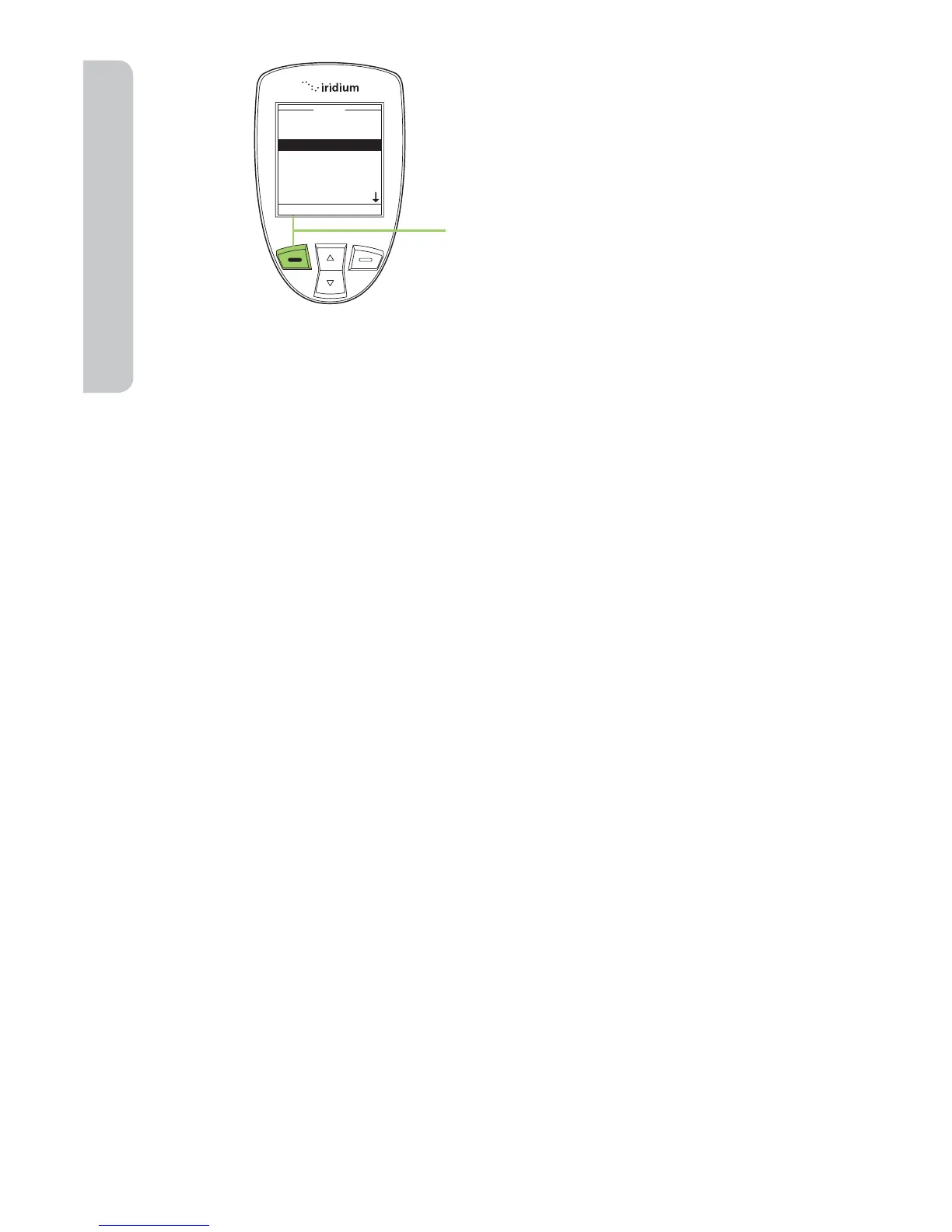
15. Press the left soft key, labeled
Send.
About SMS Messaging
Message Noti cation
If your phone is powered ON, it notifies you of received messages in the
following ways:
• An alert sounds and/or the phone vibrates.
• The message indicator is displayed
• The message New SMS. Read Now? is displayed.
How Messages are Stored
Your phone stores all messages on the SIM card. If the message indicator
is flashing, your SIM card is full. See “Delete a Message” on page 96 to
make room for the new message.
What Messages Contain
You can receive short text or numeric messages in your Personal Mailbox.
Text messages may contain up to 1,000 characters. Numeric messages,
typically phone numbers, may contain up to 20 digits.
Standard SMS messages are up to 160 characters. Long SMS messages
up to 1000 characters are divided into smaller 160 character messages
and may be billed at the standard 160 character SMS rate. For example,
an SMS message with 320 characters may be billed as two standard SMS
messages. Contact your service provider for additional information.
Your personal mailbox works with Call Forwarding. For more information
see “Forward a Received Message” on page 93.



 To Next Page