EasyManua.ls Logo

Iridium 9555 - Menu Navigation Procedures

Iridium 9555
193 pages
Print Icon
To Next Page IconTo Next Page

To Previous Page IconTo Previous Page
Loading...
46 Iridium 9555 Satellite Phone User Manual
5: Using Menus and Keys
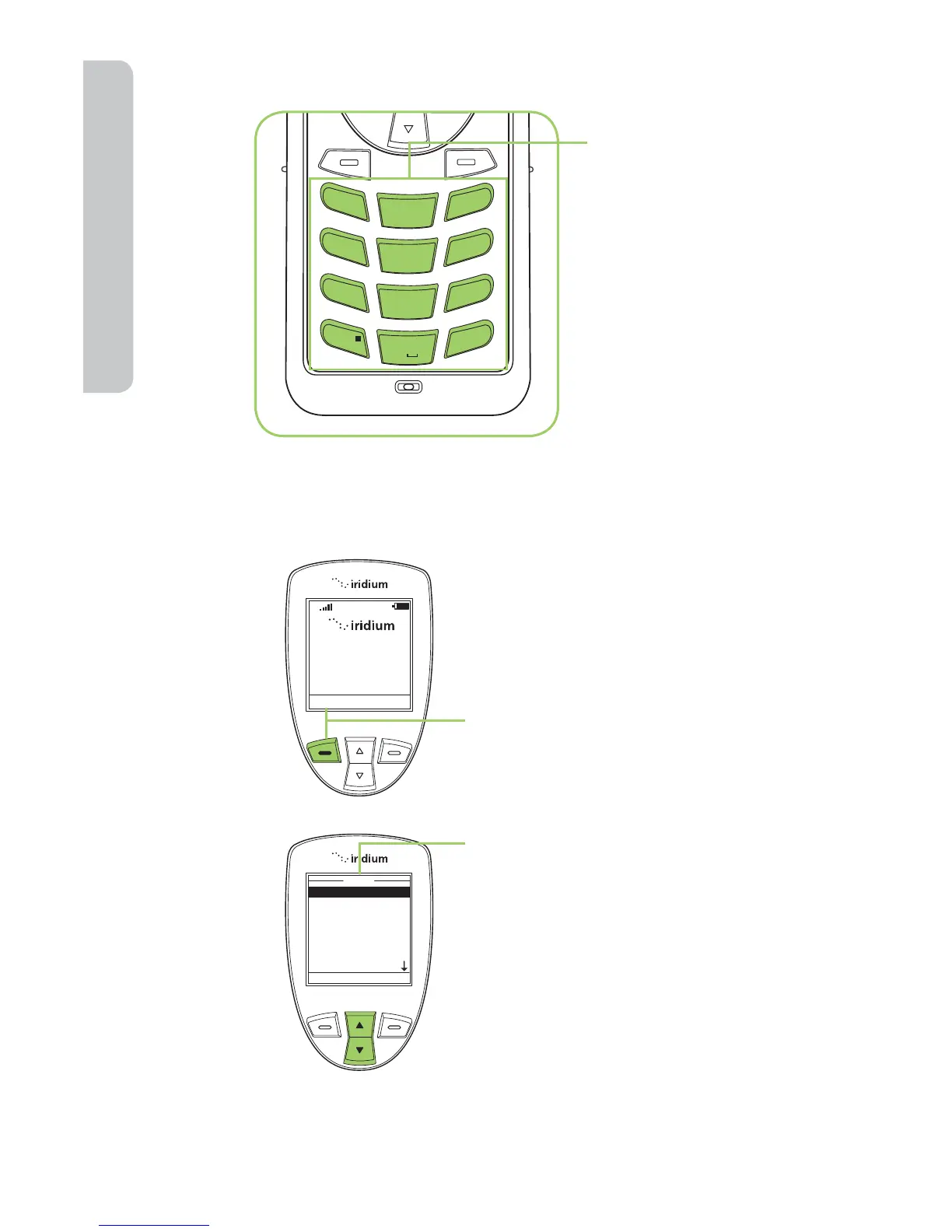
The Keypad
Using the Menus
To Access the Main Menu
Note: You cannot access the Menus during a call.
1
2
ABC
3
DEF
4
GHI
5 JKL
6
MNO
7
PQRS
8 TUV
9
WXYZ
0 +
#
*
«
The numbered and
alphabetized keys
make up the Keypad.
Use the keys to enter
text, numbers and
punctuation marks
into various  elds in
display screens. See
entering characters
on page 48 for more
information.
Menu Help
16:28 14-May-08
T
My Phonebook
SIM Phonebook
Messages
Voicemail
Data Modem
Call History
Setup
Menu
Select Back
Press the Left soft key,
labeled Menu.
Starting from the
Main Screen:
The Main Menu appears. The Main
Menu consists of:
• My Phonebook
• SIM Phonebook
• Messages
• Voicemail
• Data Modem
• Call History
• Setup
• Security

Table of Contents

Other manuals for Iridium 9555

Related product manuals