Iridium 9555 Satellite Phone User Manual 93
9: Using the Messages Menu
Note: If the sender’s phone number is not part of your phonebook, select
New Recipient to add the number.
Forward a Received Message
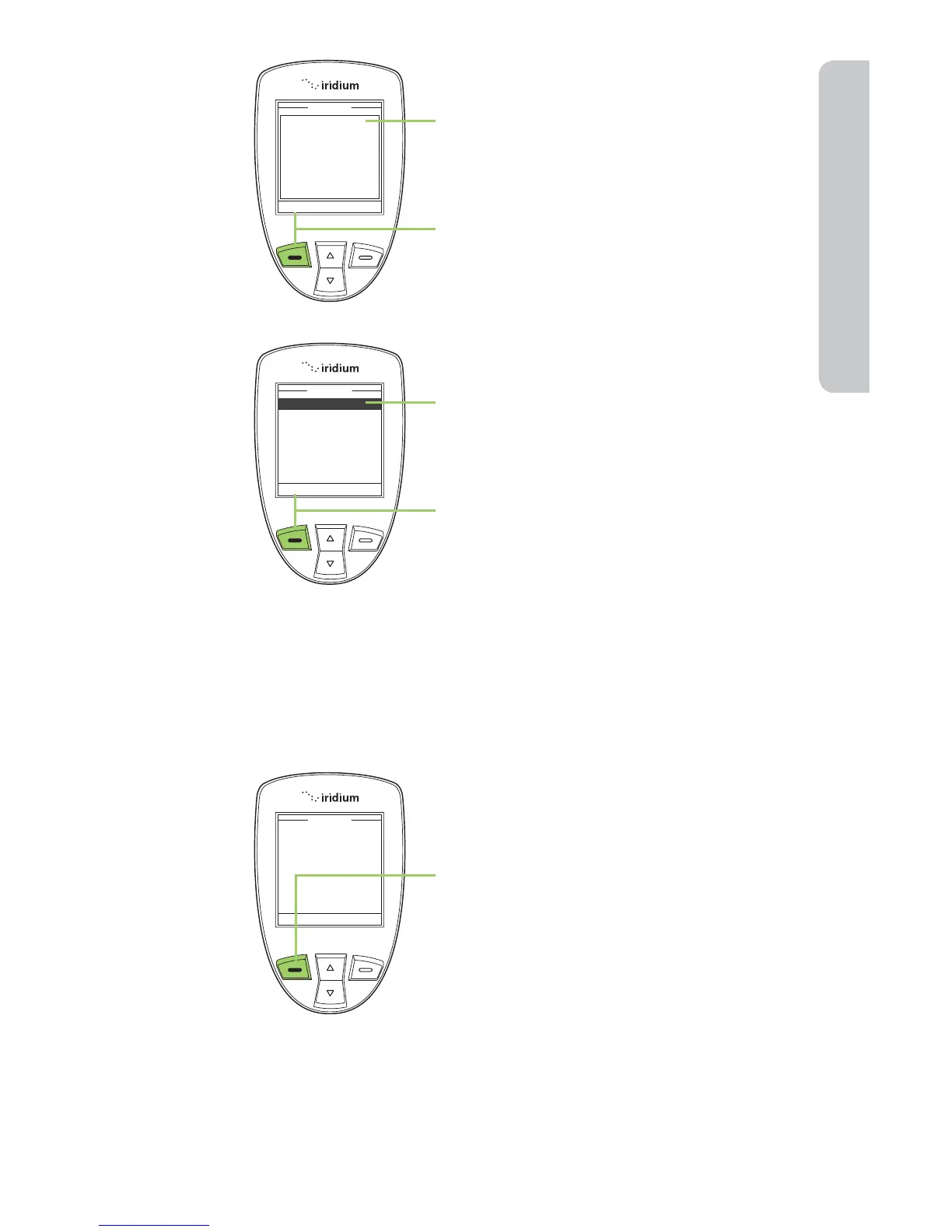
4. Enter your reply.
5. Press the left soft key, labeled
Options.
6. The Send option should be
highlighted. If not use the 2-way
Navi-key to scroll until Send is
highlighted.
7. Press the left soft key, labeled Select
to send the message.
While reading the Message:
1. Press the left soft key, labeled
Options.



 To Next Page