10: Using the Voicemail Menu
Iridium 9555 Satellite Phone User Manual 105
10: Using the Voicemail Menu
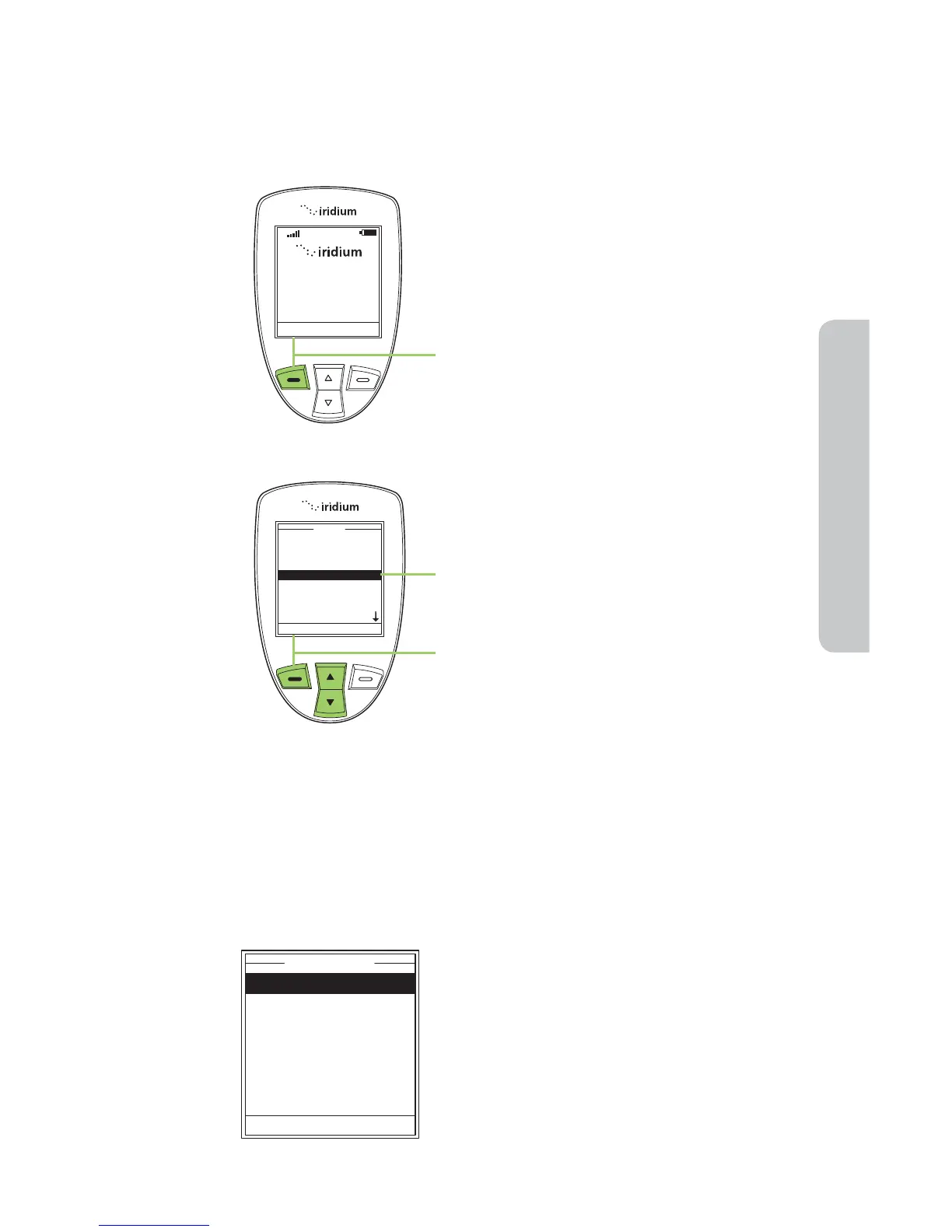
Locating the Voicemail Menu
Note: All instructions for the Voicemail menu start from the Main Menu
as shown.
About the Voicemail Menu
You can do the following functions using the Inbox menu:
Call Voicemail
Voicemail Settings
Voicemail
Select Back
Starting from the Main Screen:
1. Press the left soft key, labeled Menu.
2. The Main Menu is displayed. Use the
2-way Navi-key to scroll until the
Voicemail is highlighted.
3. Press the left soft key, labeled Select.
• Listen to your voicemail
• Reply to a voicemail
• Store voicemail numbers
• Access and configure your voicemail



 To Next Page