EasyManua.ls Logo

Iridium 9555 - Locating Entries

Iridium 9555
193 pages
Print Icon
To Next Page IconTo Next Page
To Previous Page IconTo Previous Page
Loading...
Iridium 9555 Satellite Phone User Manual 71
8: Using the Phonebooks
9. A message brie y appears
to indicate the contact was
entered successfully. The
screen reverts to the main
Phonebook menu.
Press the red key to return to
the Main Screen.
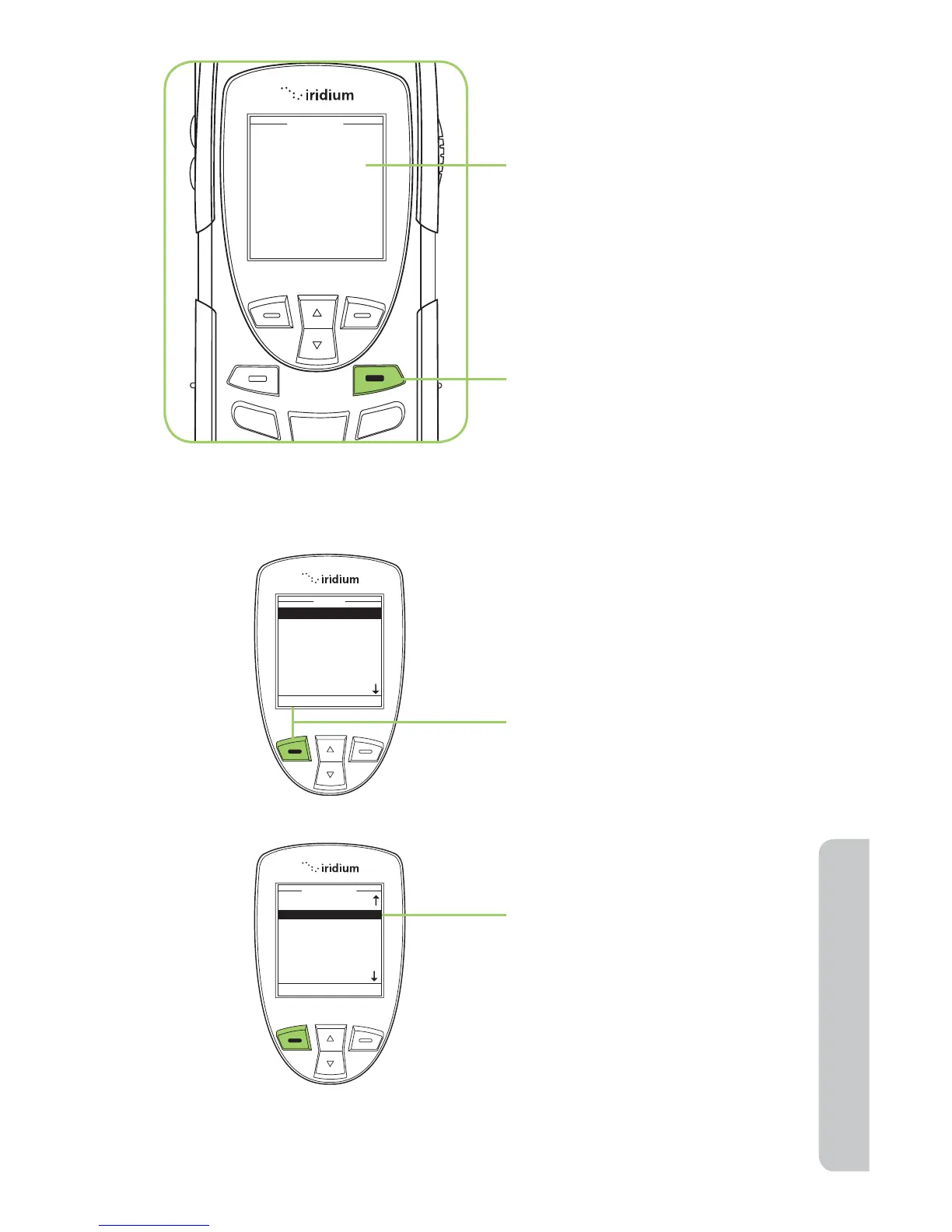
Starting at the Main Menu,
using the 2-way Navi-key,
highlight the Phonebook you
want to use.
1. Press the left soft key,
labeled Select.
2. The Phonebook entries are
now displayed in alphabetical
order.
Locating Entries

My Phonebook
SIM Phonebook
Messages
Voicemail
Data Modem
Call History
Setup
Menu
Select Back
Ada Adams
Bob Smith
Cat Steven
Davy Jones
Eddy Fisher
Phonebook
Select Back

Table of Contents

Other manuals for Iridium 9555

Related product manuals