92 Iridium 9555 Satellite Phone User Manual
9: Using the Messages Menu
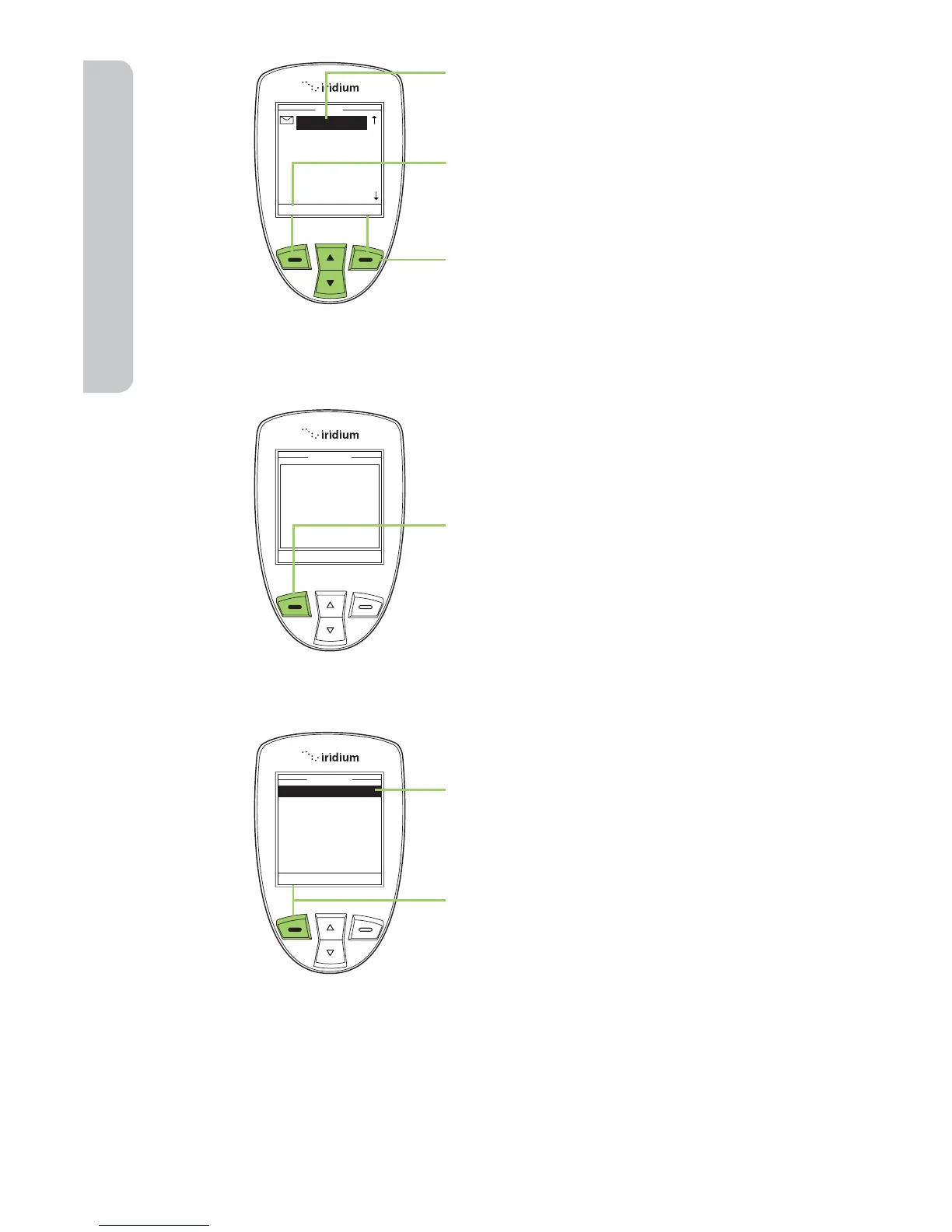
4. Use the 2-way Navi-key to highlight
a message.
5. Press the left soft key, labeled Read
to view the selected message.
6. Press the right soft key, labeled
Back to return to the previous menu.
Reply to Sender
While reading the Message Screen:
1. Press the left soft key, labeled
Options.
2. Use the 2-way Navi-key to scroll
until Reply is highlighted.
3. Press the left soft key, labeled
Select.



 To Next Page