10: Using the Voicemail Menu
108 Iridium 9555 Satellite Phone User Manual
Select Back
1
2
ABC
3
DEF
4
6
MNO
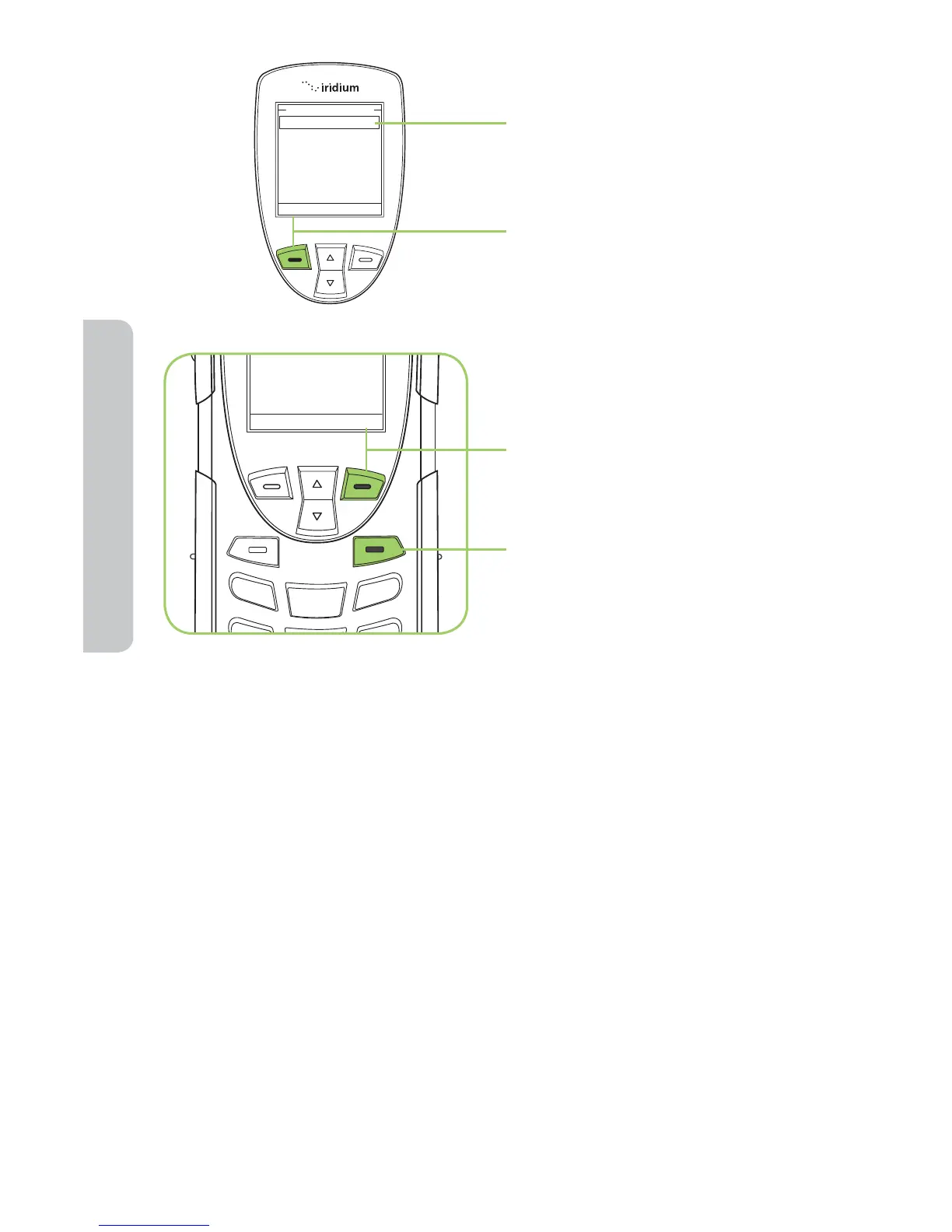
7. Enter the voicemail number
given to you by your Service
Provider.
8. Press the left soft key,
labeled Save.
9. Press the right soft key,
labeled Back to return to
the previous menu.
10. Press the red key to exit to
the Main Screen.
+881662990000gs
Voicemail Number
Save Clear
One-Touch Access to Voicemail
With the most recent software available to the 9555 Satellite Phone,
Iridium enabled one-touch access to voicemail for ease of use. To use this
new feature, ensure that you have the most recent software and press and
hold the 1 key for 2 seconds in order to prompt a call to voicemail without
having to navigate through the phone menu.



 To Next Page