142 Iridium 9555 Satellite Phone User Manual
13: Using the Setup Menu
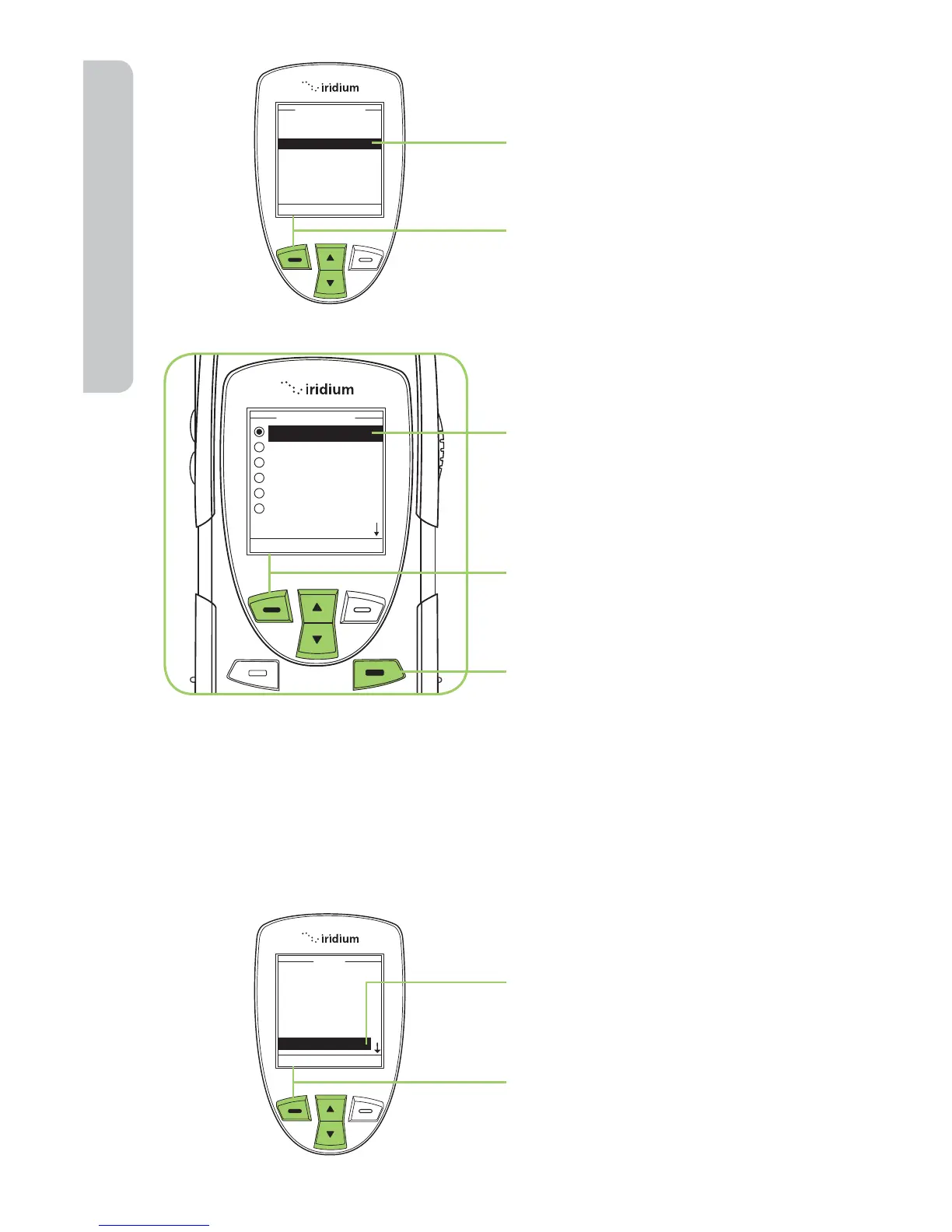
5. Use the 2-way Navi-key to
scroll until Date Format is
highlighted.
6. Press the left soft key,
labeled Select.
7. Use the 2-way Navi-key until
the required date format is
highlighted.
8. Press the left soft key,
labeled Select.
9. Press the right soft key
labeled Back to return to the
Main Screen.
Selecting the Display Language
Your phone contains 21 languages. Use this capability to select the
language in which your phone displays menus and messages.
Starting from the Main Menu:
1. Use the 2-way Navi-key
to scroll until Setup is
highlighted.
2. Press the left soft key,
labeled Select.



 To Next Page