74 Iridium 9555 Satellite Phone User Manual
8: Using the Phonebooks
Using the Short Message Service (SMS) Menu
The Short Message Service (SMS) is a text messaging system.
Note: If an entry has more than one number, for example, Home, Work
and Mobile, then all numbers are displayed. Using the 2-way Navi-key,
highlight the number to be called and press Select.
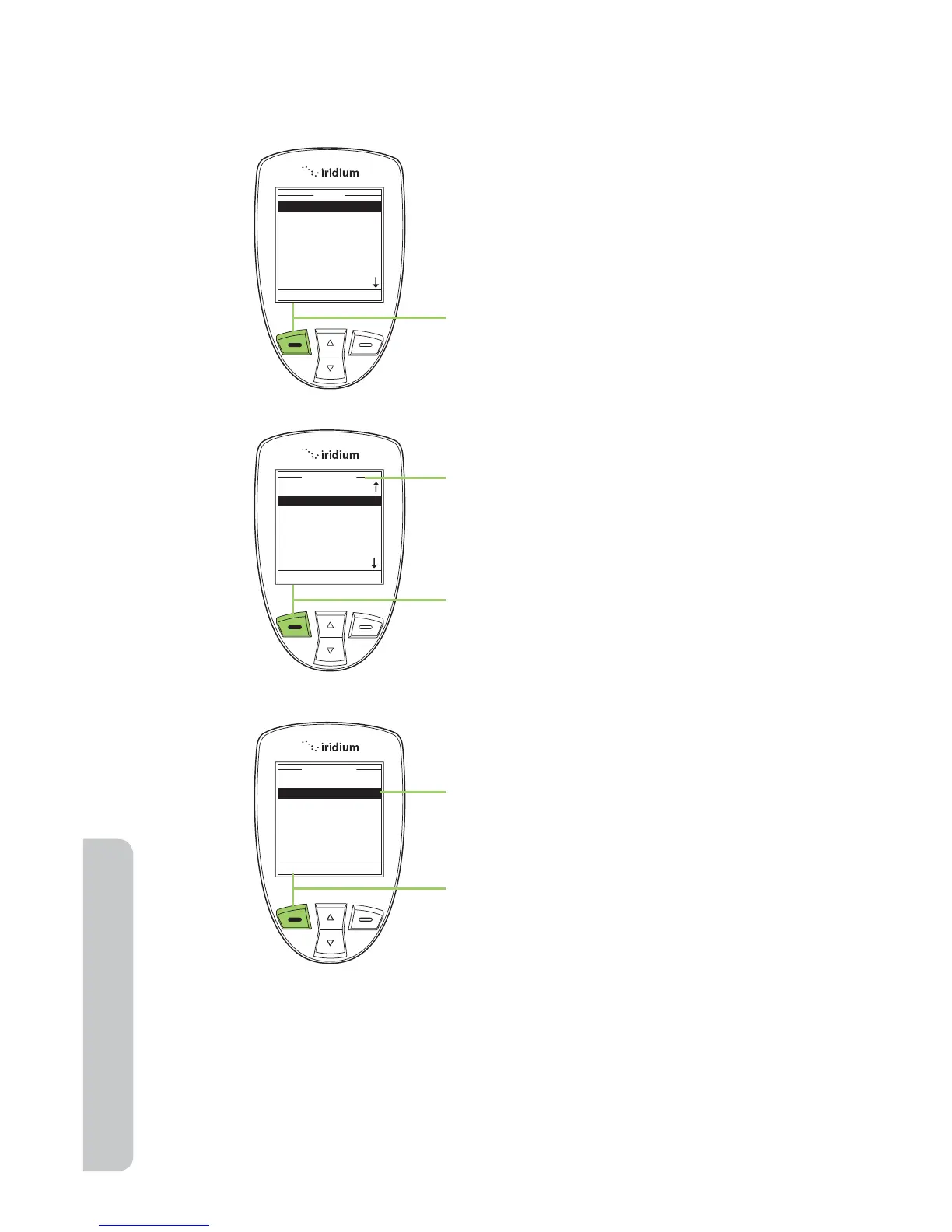
To send a text message Start at the
Main Menu, using the 2-way Navi-key,
highlight the Phonebook you want to
use.
1. Press the left soft key, labeled
Select.
2. The Phonebook is displayed. Use
the 2-way Navi-key to scroll until
the desired entry is located.
3. Press the left soft key, labeled
Options.
4. Use the 2-way Navi-key until SMS is
highlighted.
5. Press the left soft key, labeled
Select.



 To Next Page