Iridium 9555 Satellite Phone User Manual 101
9: Using the Messages Menu
Using the Settings Menu
Enter Service Center Number
Use this capability to enter the number for the service center to which you
wish to forward your outgoing messages. The 9555 Satellite Phone will
use Iridium’s Service Center number by default if none has been explicitly
configured.
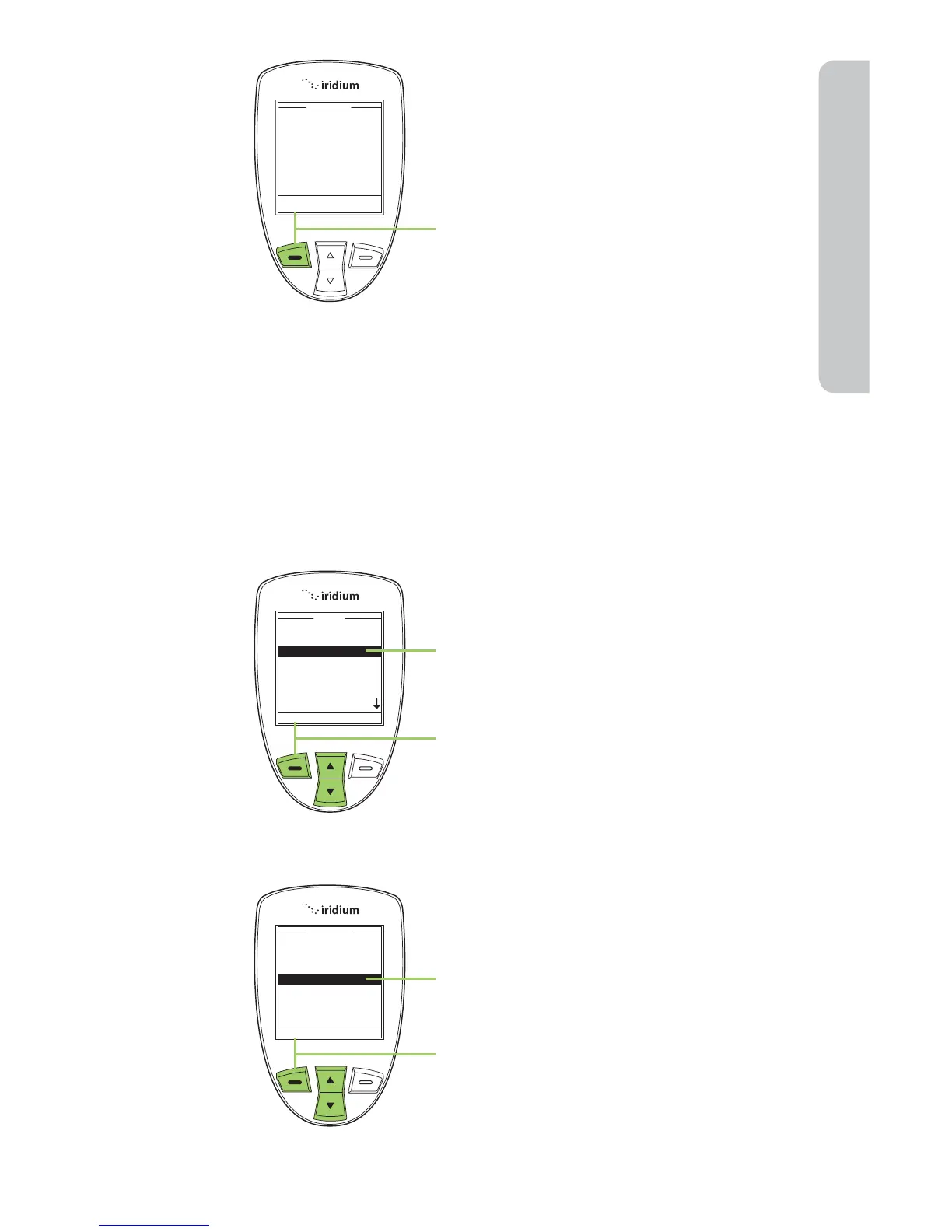
18. Press the left soft key, labeled
Send.
Start at the Main Menu with Messages
highlighted:
1. Press the left soft key, labeled Select.
2. Use the 2-way Navi-key to scroll until
the Settings option is highlighted.
3. Press the left soft key, labeled Select.



 To Next Page