Iridium 9555 Satellite Phone User Manual 45
5: Using Menus and Keys
5: Using Menus and Keys
Many of the phones features are organized into lists of options called
menus. Use the phone keys to navigate these menus.
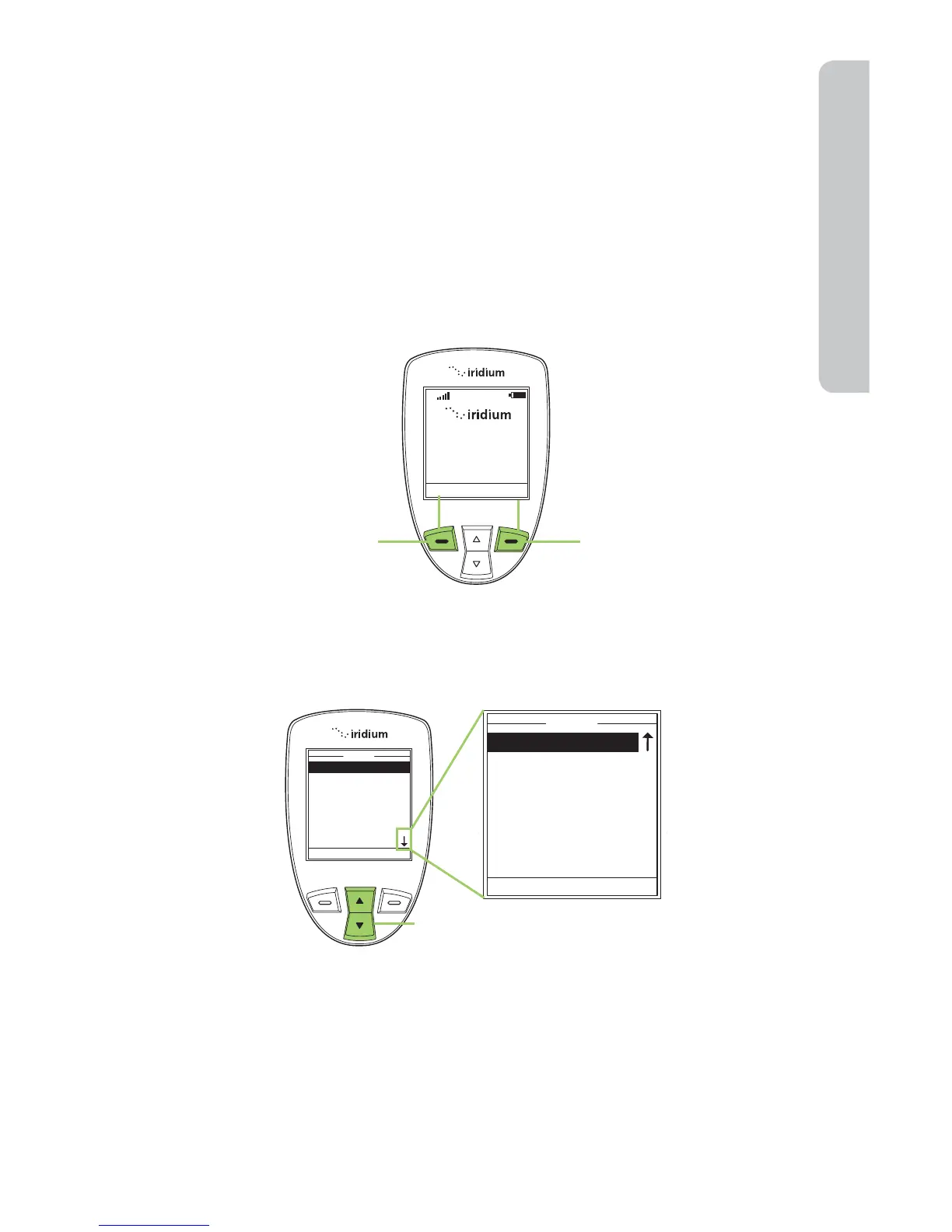
Using the Keys
The Soft Keys
When you press the soft keys the function appears above the key on the
display screen. The function varies depending on the menu.
The 2-way Navi-key
Press the 2-way Navi-key up to step through the options on a menu screen.
Important: When an arrow appears on the bottom of any menu screen it
indicates more options to follow. To see all options, you must continue to
press the 2-way Navi-key.



 To Next Page