14: Using the Security Menu
Iridium 9555 Satellite Phone User Manual 157
Using the Change PIN Menu
Change the Phone PIN Code
This capability allows you to modify the default PIN associated with your
phone.
Starting from the Main Menu:
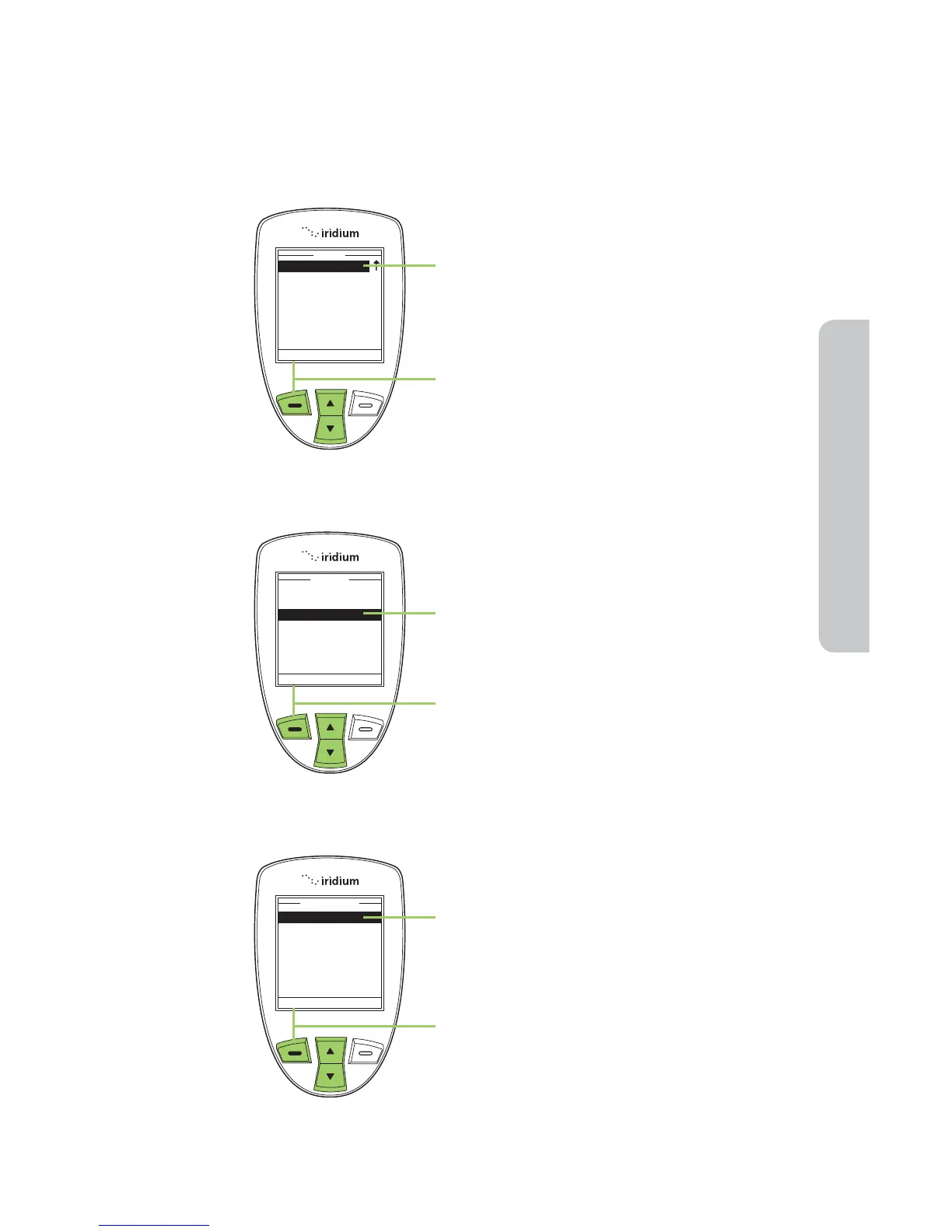
1. Use the 2-way Navi-key to scroll until
Security is highlighted.
Note: Scroll one down from Setup to
view the Security option.
2. Press the left soft key, labeled Select.
3. Use the 2-way Navi-key to scroll until
Change PIN is highlighted.
4. Press the left soft key, labeled Select.
5. The Change PIN menu appears.
Phone PIN is highlighted.
6. Press the left soft key, labeled Select.



 To Next Page