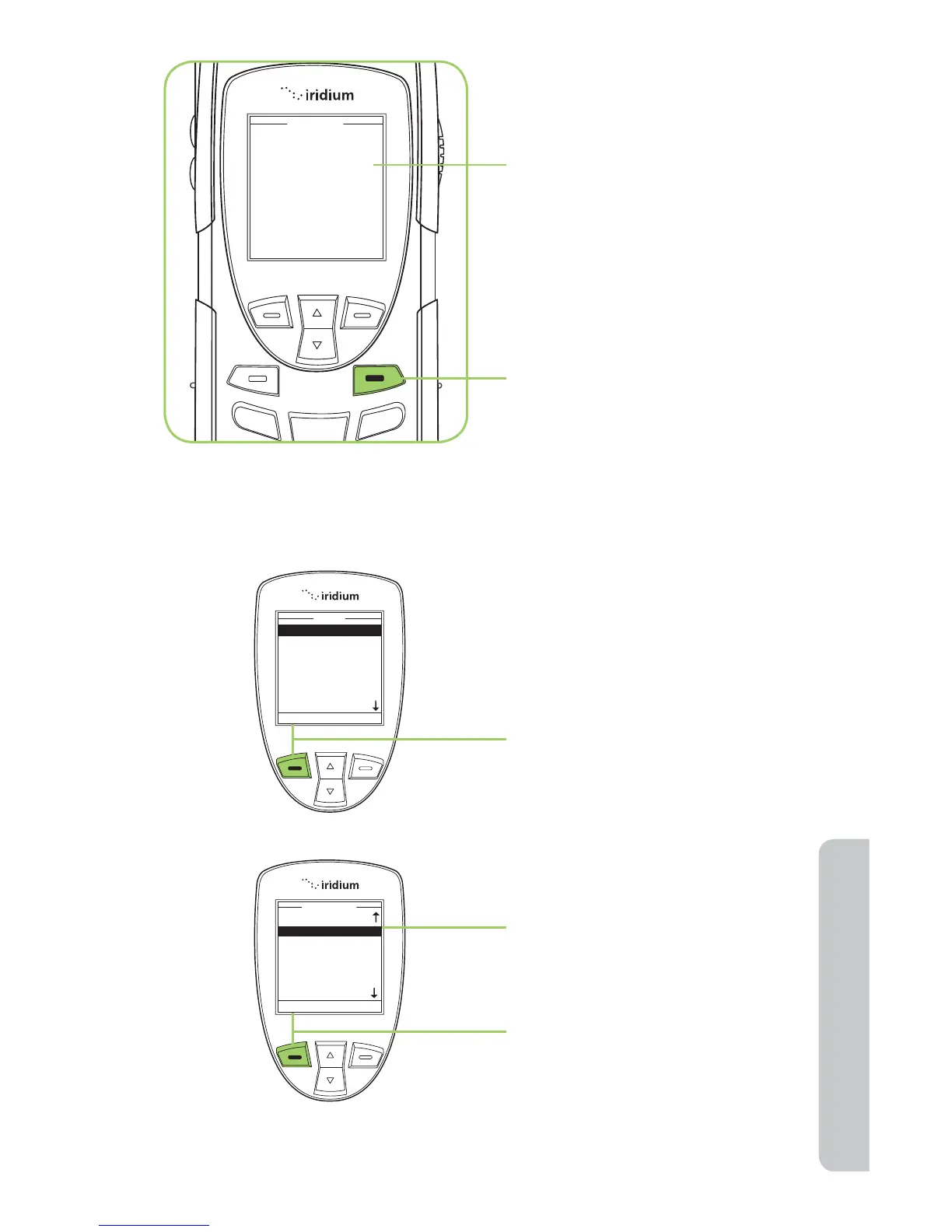
8. A message briefly appears
to indicate the entry was
updated. The screen
then returns to the main
Phonebook menu.
9. Press the red key to return to
the Main Screen.
Delete an Entry
To remove an entry in the
Phonebook, use the Delete
option. Start at the Main Menu:
1. Press the left soft key,
labeled Select.
2. The Phonebook is displayed.
Use the 2-way Navi-key to
scroll until the desired entry
is highlighted.
3. Press the left soft key,
labeled Options.



 To Next Page