Iridium 9555 Satellite Phone User Manual 75
8: Using the Phonebooks
Sending an SMS Message
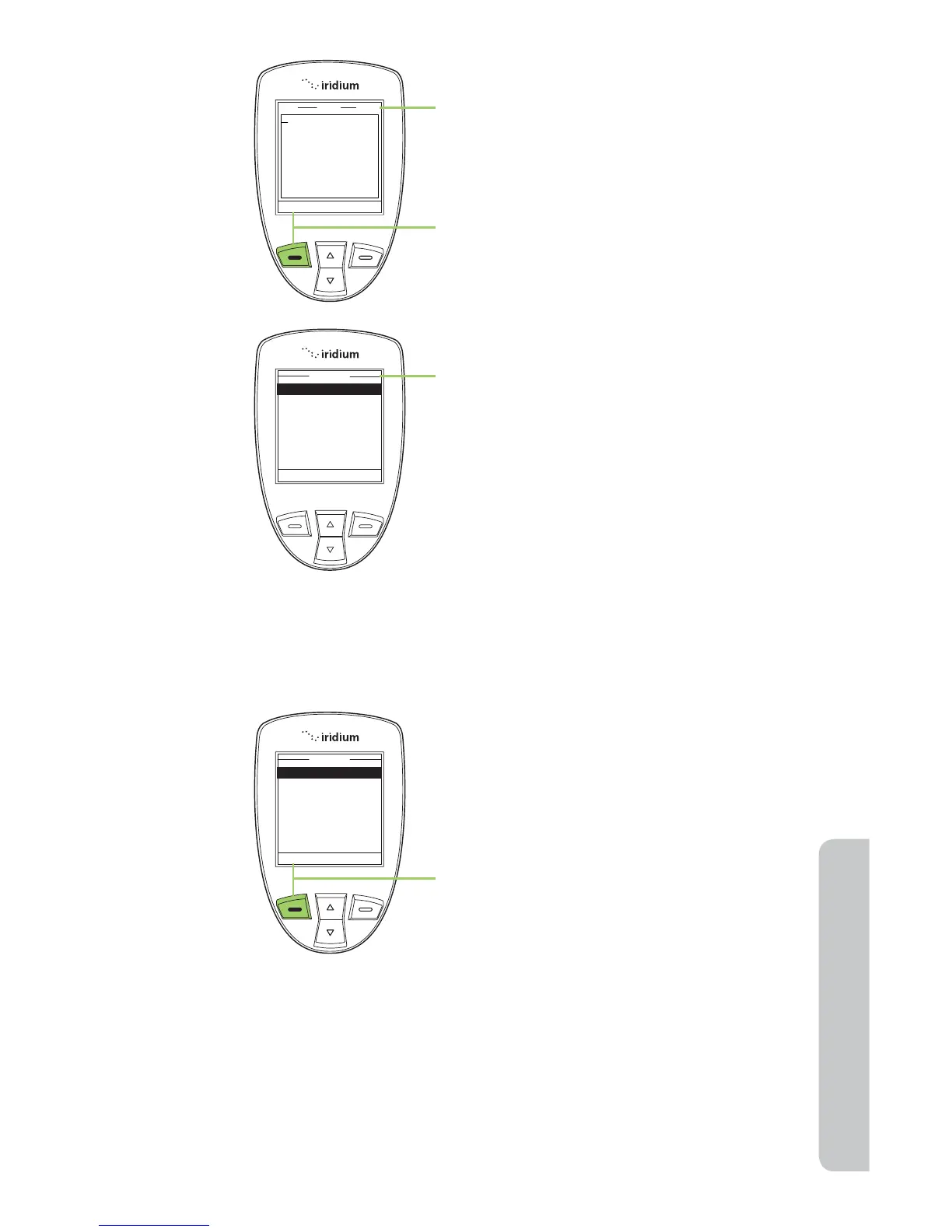
6. The SMS Screen now appears. You
can enter up to 1,000 characters.
7. Press the left soft key, labeled
Options.
8. The SMS Options menu appears.
From here you can:
• Send a SMS message
• Insert symbols into your message
• Enter digits
• Save as a draft to send later
• Exit the menu
Starting at the SMS Options Menu:
1. While Send is highlighted press the
left soft key, labeled Select.



 To Next Page