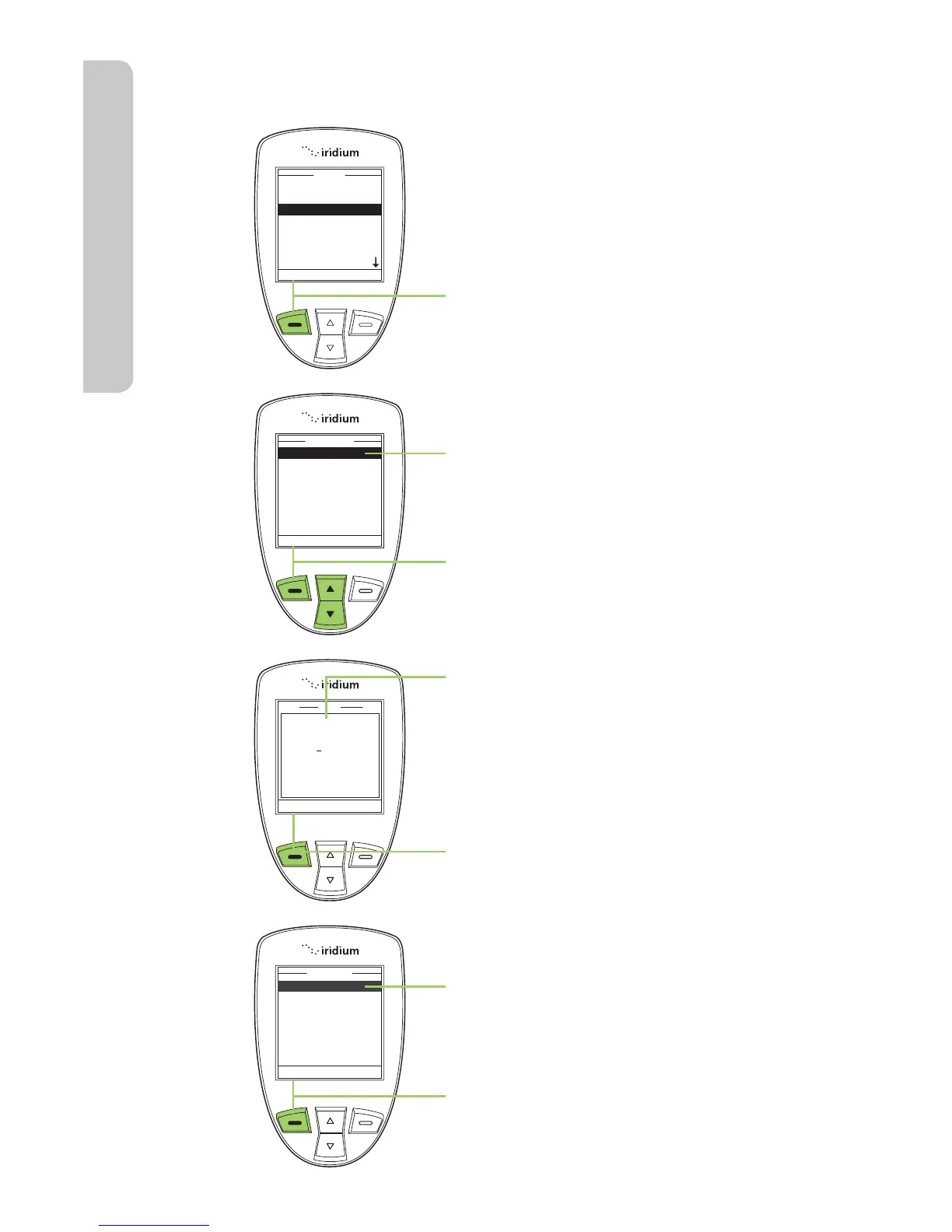
Start at the Main Menu with Messages
highlighted:
1. Press the left soft key, labeled
Select.
2. The Create Message option should
be selected. If not then use the
2-way Navi-key to scroll until it is
highlighted.
3. Press the left soft key, labeled
Select.
4. Enter your message.
Note: You must begin your text
message with the recipients email
address, leaving a space between
the email address and the beginning
of your message.
When your message is complete, press
the left soft key, labeled Options.
5. The Send option should be
highlighted. If not then use the
2-way Navi-key to scroll until it is
highlighted.
6. Press the left soft key, labeled
Select to send the message.



 To Next Page