Iridium 9555 Satellite Phone User Manual 87
9: Using the Messages Menu
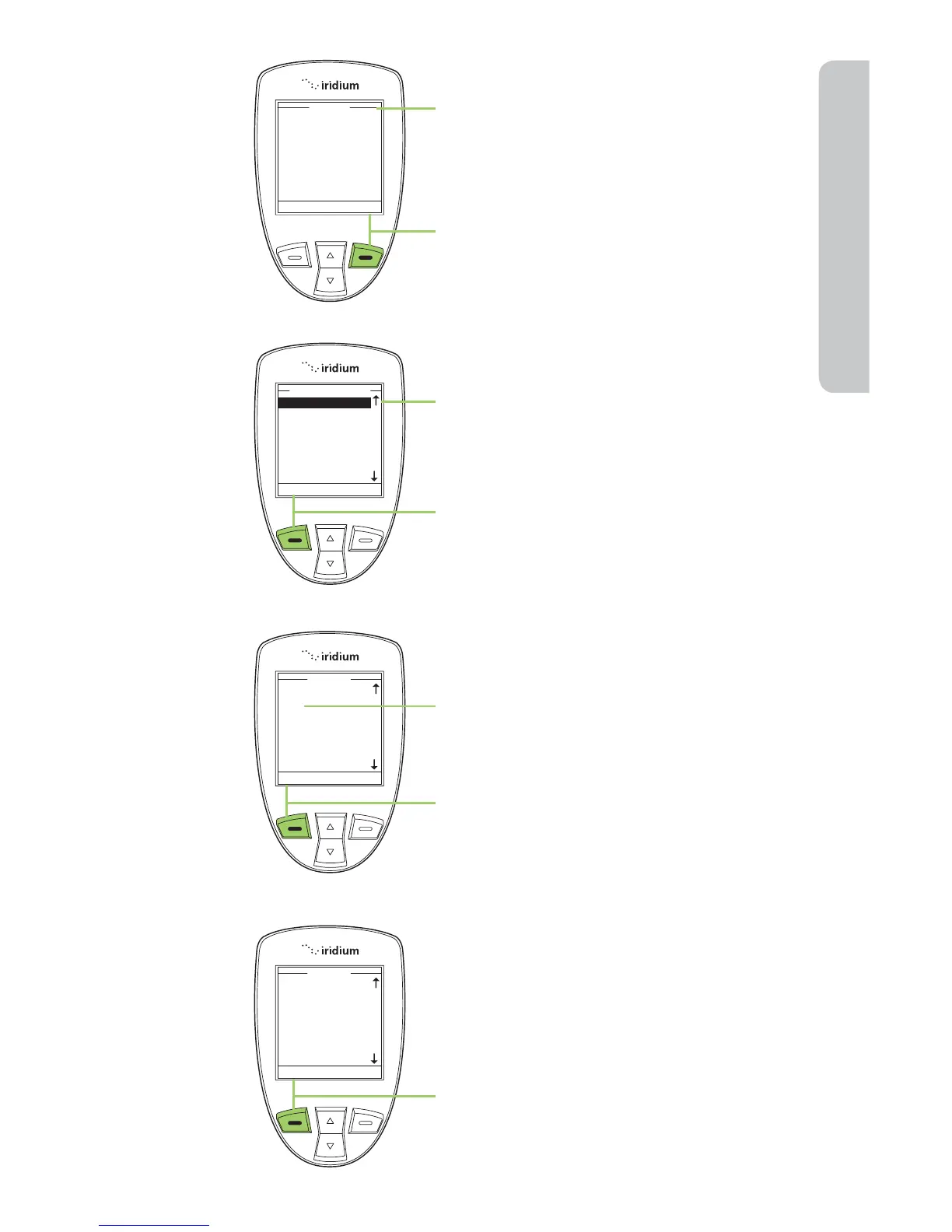
7. A Send To screen appears.
8. Press the right soft key, labeled
Add.
9. The Enter Number option should
be highlighted. If not use the
2-way Navi-key to scroll until it is
highlighted.
10. Press the left soft key, labeled
Select.
11. In the Number field, after the prefix
of 00 or +, enter *2.
12. Press the left soft key, labeled OK.
13. Press the left soft key, labeled Send
to send the message.



 To Next Page