68 Iridium 9555 Satellite Phone User Manual
8: Using the Phonebooks
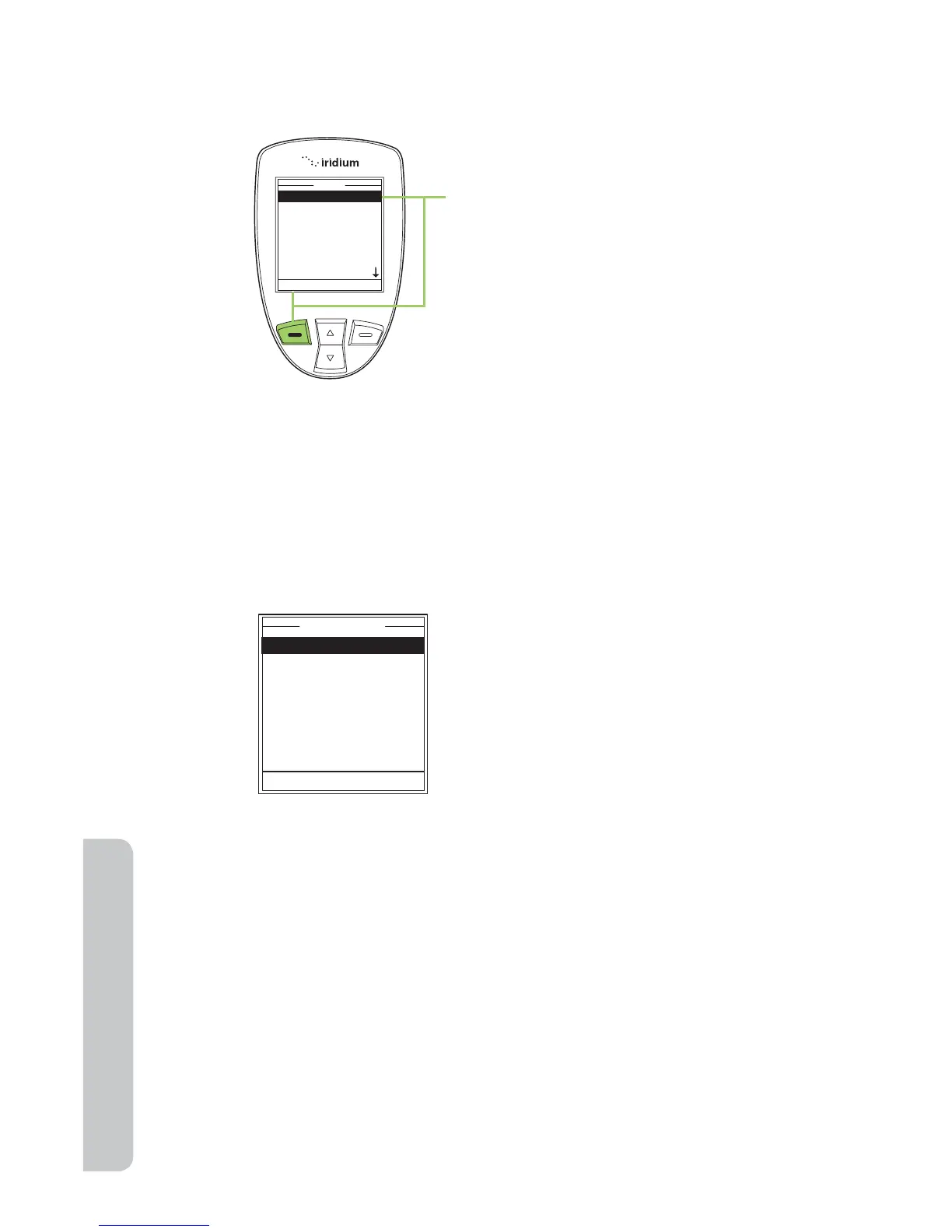
Note: All instructions for My Phonebook start from the Main Menu as
shown.
Note: To open the SIM Phonebook, use the 2-way Navi-key to scroll until
the SIM Phonebook is highlighted.
About the My Phonebook Menu
You can do the following functions using the Phonebook menu:
2. The Main Menu is now displayed,
with My Phonebook highlighted
press the left soft key, labeled
Select to enter the Phonebook
menu.
Call
SMS
Edit
Delete
New
Memory Status
Notes
Bob Smith
Select Back
• Call an entry
• Create and send a text message
(SMS).
• Edit an entry
• Delete an entry
• Add an entry
• Check the memory status of your
Phonebook
• Add notes regarding entries



 To Next Page