132 Iridium 9555 Satellite Phone User Manual
13: Using the Setup Menu
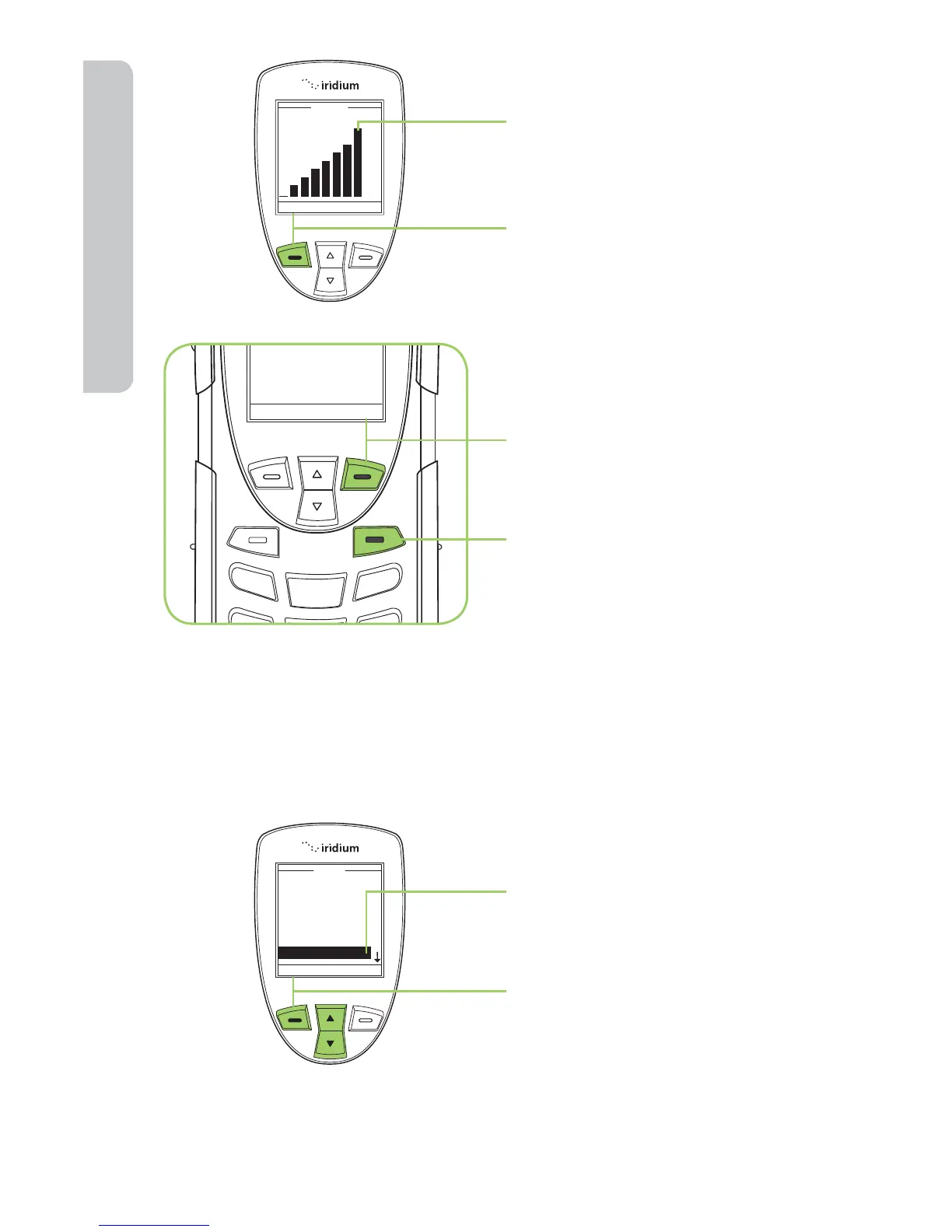
7. The volume bars increase
or decrease as you press
the 2-way Navi-key up or
down.
8. Press the left soft key,
labeled OK when you have
the desired setting.
9. Press the right soft key
labeled Back to return to
the previous menu.
10. Press the red key to return
to the Main Screen.
Adjust the Ring Tone
This capability adjusts the tone of the ringer. The phone sounds the new
tone as you adjust it.
Starting from the Main Menu:
1. Use the 2-way Navi-key
to scroll until Setup is
highlighted.
2. Press the left soft key,
labeled Select.



 To Next Page