Note: Repeat this procedure if you want to send the same message to
more than one contact at a time.
Edit an Entry in My Phonebook
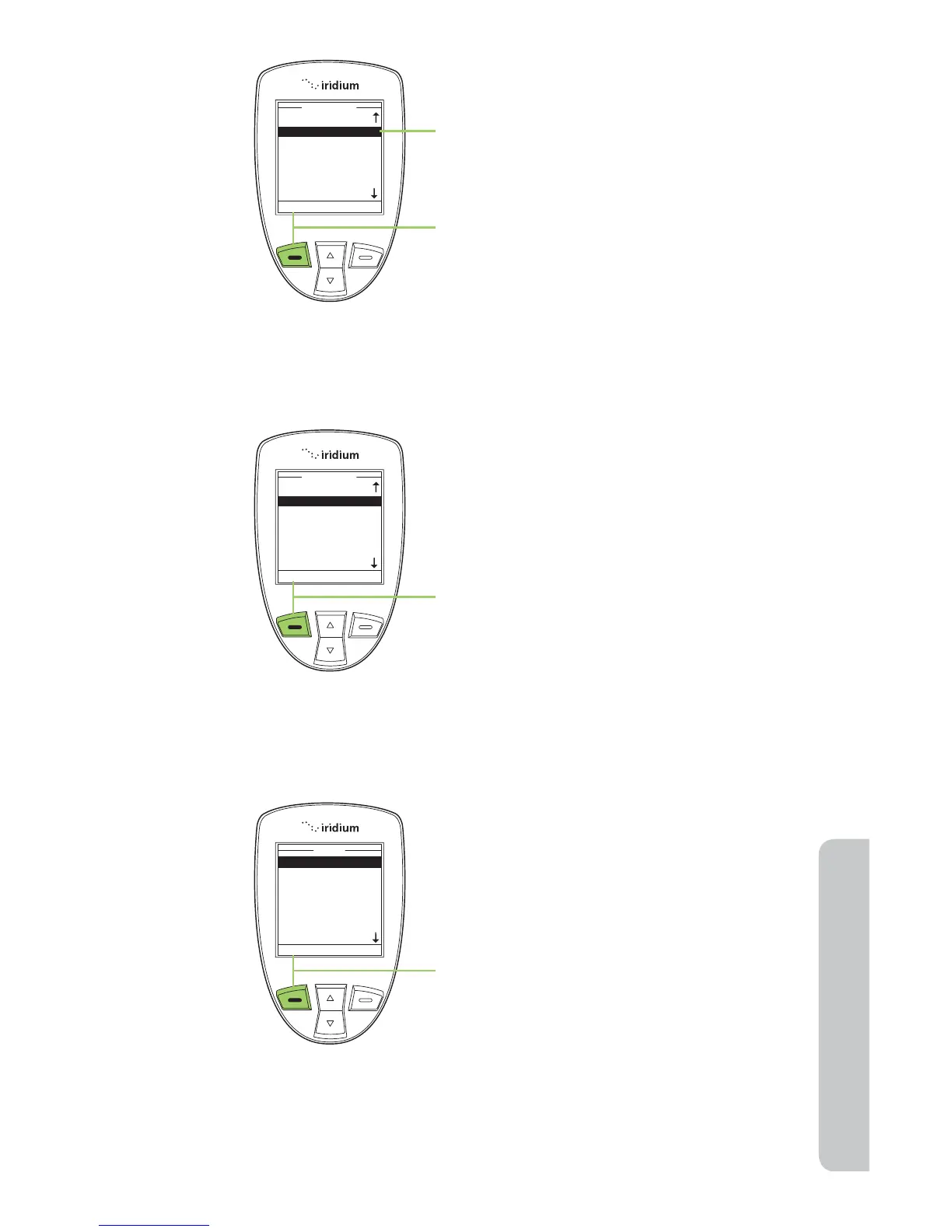
4. A list of contacts now appears. Use
the 2-way Navi-key to scroll to the
desired recipient.
5. Press the left soft key labeled Select,
the contact is then added to your
recipient list.
6. Once you are satisfied with the
recipient(s) press left soft key,
labeled Send.
To change information in the
Phonebook, use the Edit Option.
Starting at the Main Menu, with My
Phonebook highlighted:
1. Press the left soft key, labeled Select.



 To Next Page