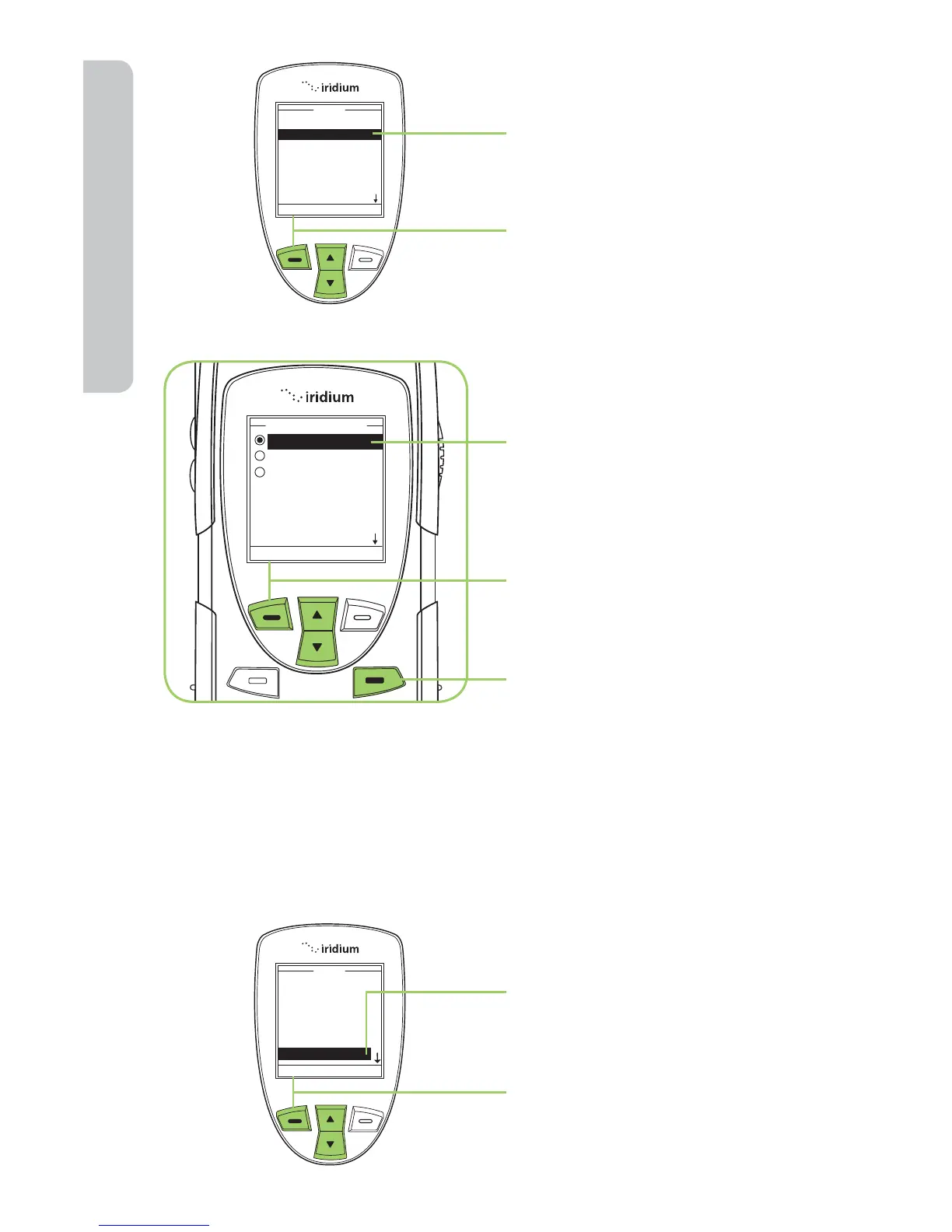
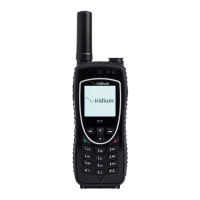
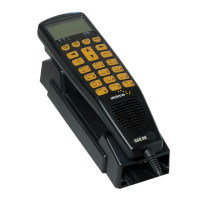
5. Use the 2-way Navi-key until
Right Soft Key is highlighted.
6. Press the left soft key,
labeled Select.
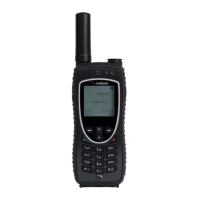
7. Use the 2-way Navi-key to
scroll until the desired action
is highlighted.
8. Press the left soft key,
labeled Select.
9. Press the right soft key
labeled Back to return to the
Main Screen.
Set Number Entry Pre x
This capability allows you to set your preferred international access code
and can automatically attach (00) or (+) to any phone number you enter.
Starting from the Main Menu:
1. Use the 2-way Navi-key
to scroll until Setup is
highlighted.
2. Press the left soft key,
labeled Select.

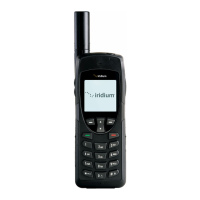

 To Next Page