20 Iridium 9555 Satellite Phone User Manual
3: Overview
Indicators
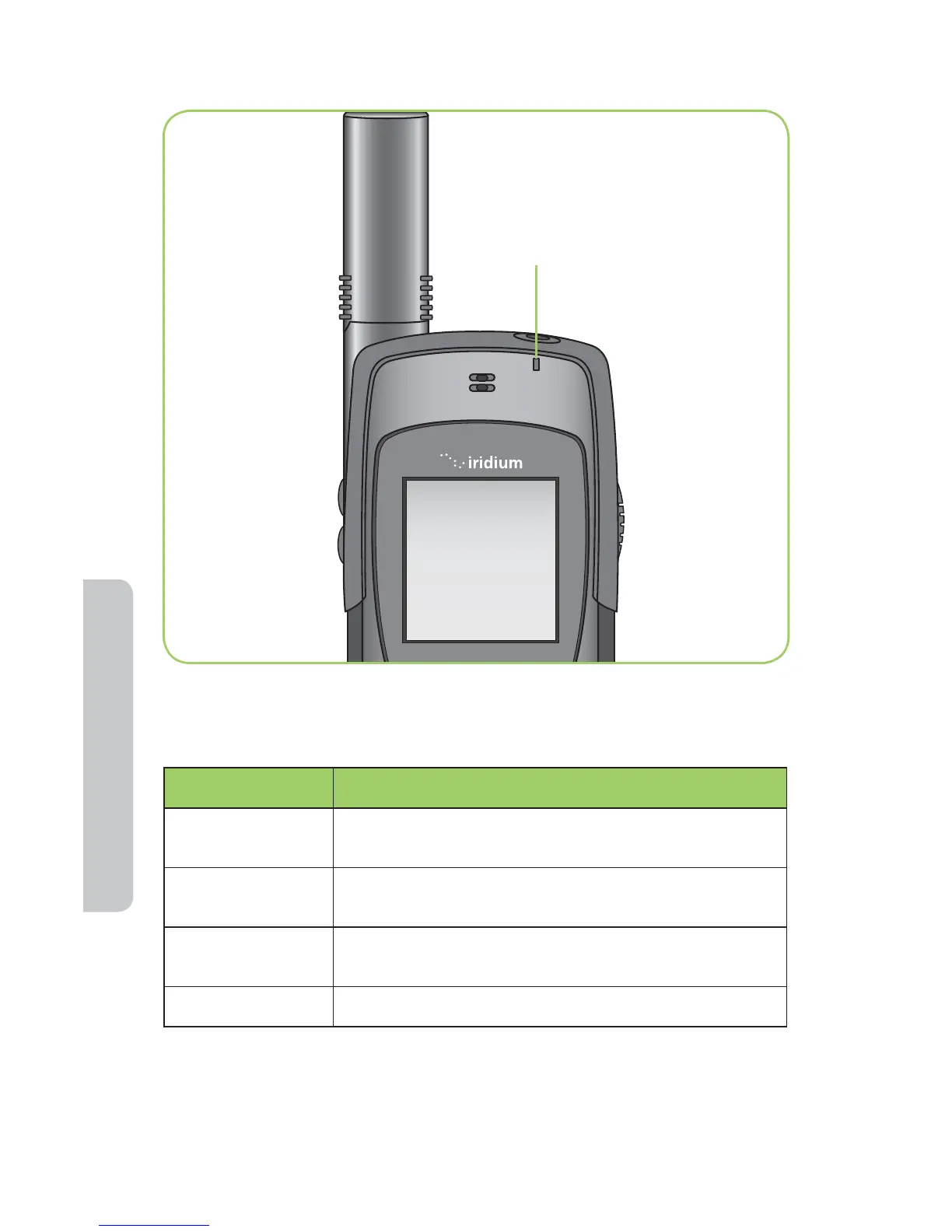
Status Indicator LED
The status indicator at the top of the phone has the following meanings:
LED is ... Indicates
Alternating red
and green
Call in progress; ringing, dialing or in call.
Flashing green
Network is available and SIM status okay. Phone is
idle.
Flashing yellow
SIM problem; this signi es a problem with the SIM,
such as; locked, missing or invalid.
Flashing red No connection to network.
Display Status Indicators and Icons
The following icons appear in your display to provide you with information
about the phone’s activity.
Status Indicator LED



 To Next Page