Iridium 9555 Satellite Phone User Manual 37
4: Getting Started
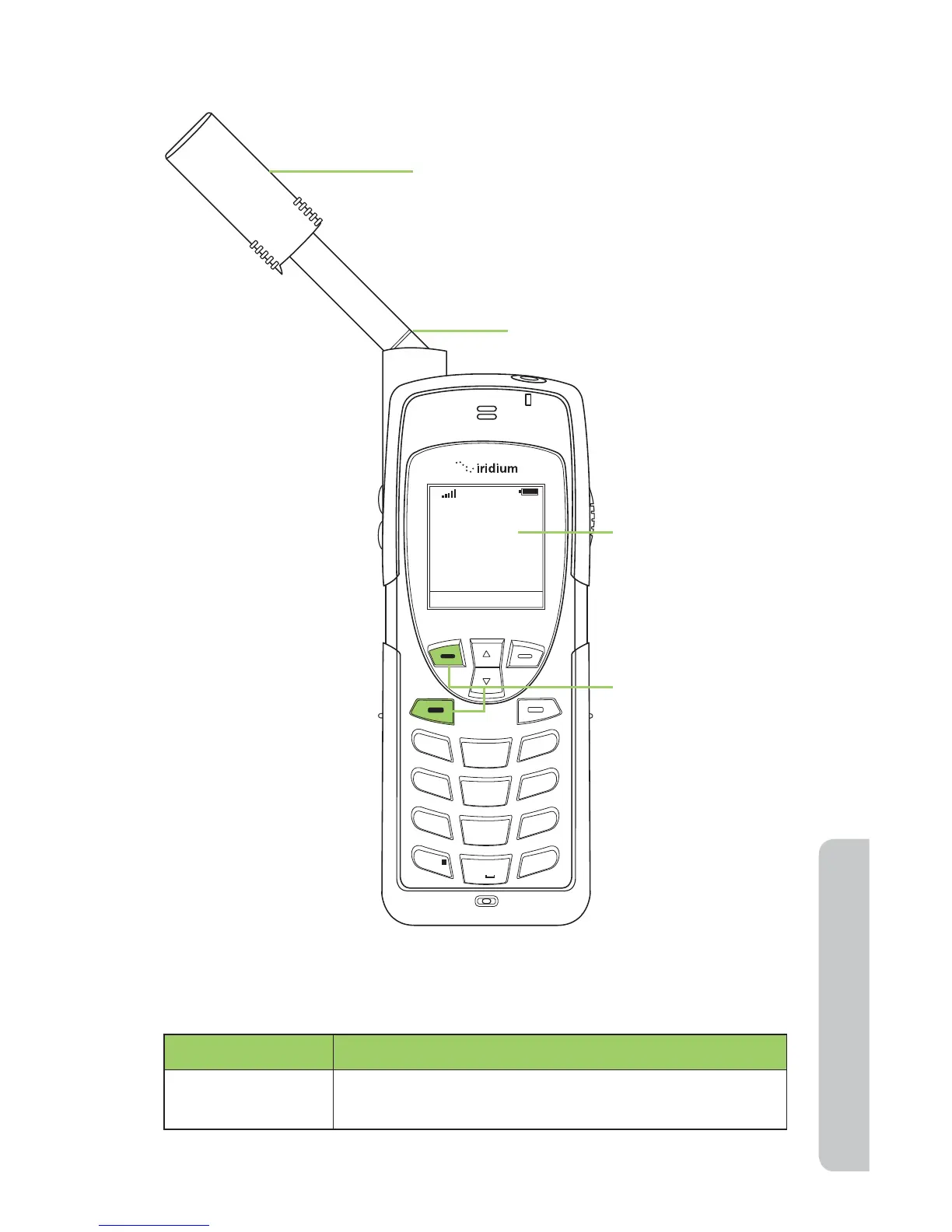
Answering the call with the Antenna Extended
If the call does not connect properly, the following message appears:
Message Directive
Call Failed The antenna is not properly positioned or the
network signal is not strong enough.
Connected
Mute
Speaker
1
2
ABC
3
DEF
4
GHI
5 JKL
6
MNO
7
PQRS
8 TUV
9
WXYZ
0 +
#
*
∆
«
T
1. Extend the antenna directly up prior to
rotating left or right. When the antenna
is fully extended you see two lines at the
base of the antenna.
2. Press the left
soft key or the
green key.
Mute is displayed
above the left soft
key and Speaker
is displayed above
the right soft key.
3. Phone displays
Connected.
Antenna lines



 To Next Page