EasyManua.ls Logo

Iridium 9555 - Email Address

Iridium 9555
193 pages
Print Icon
To Next Page IconTo Next Page

To Previous Page IconTo Previous Page
Loading...
70 Iridium 9555 Satellite Phone User Manual
8: Using the Phonebooks
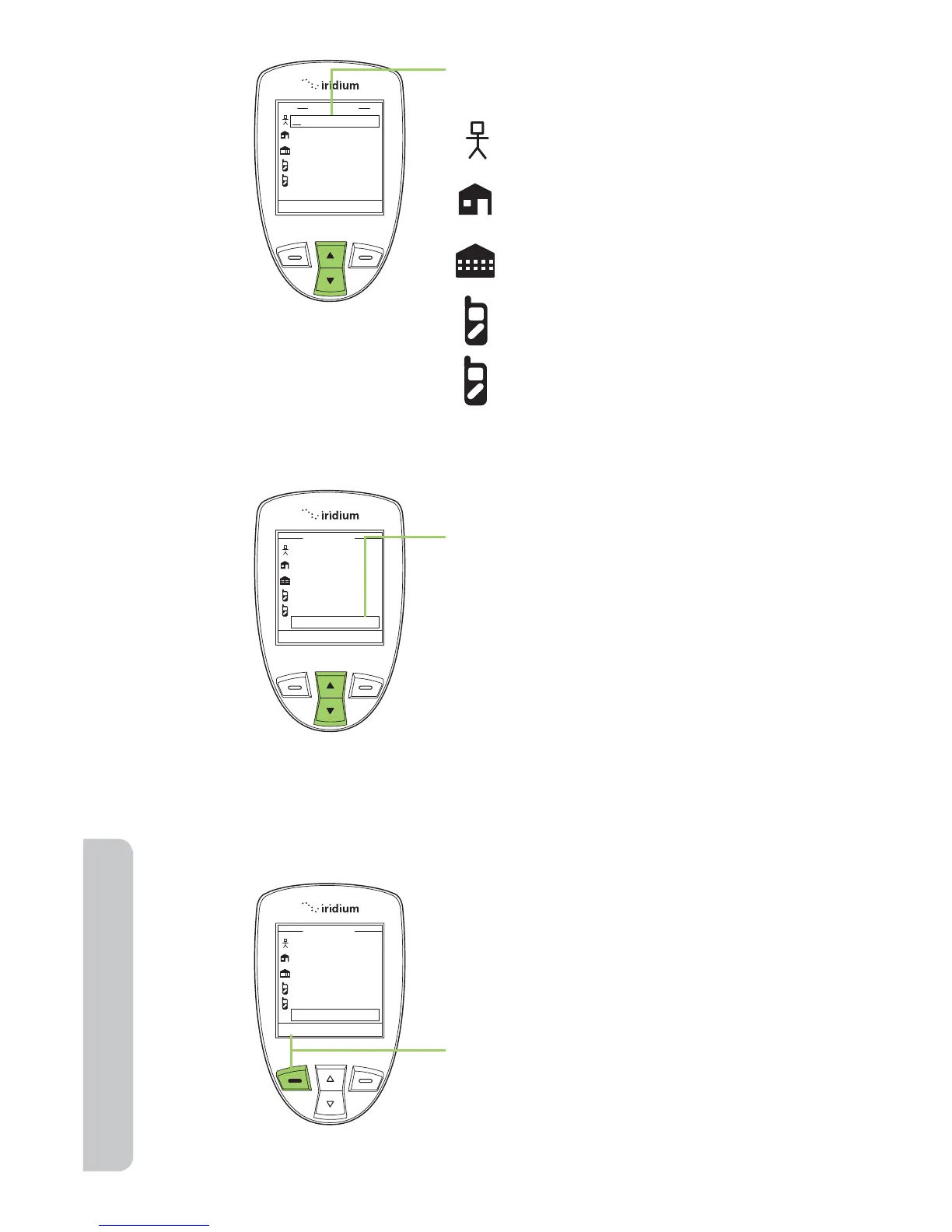
6. The New Entry screen is displayed
with a list of icons that represent:
Name
Home phone
Work phone
1st cell phone
2nd cell phone
email address
Save Clear
New Entry
@
Abc
24
Save Clear
New Entry
@
Mary Smith
+9373354415
+9373321234
+123456789
+1112223333
msmith@aol.com
@
7. Use the 2-way Navi-key to scroll to
each field and the keypad to enter
information into the  elds.
Save Clear
New Entry
@
Mary Smith
+9373354415
+9373321234
+123456789
+1112223333
msmith@aol.com
8. Press the left soft key, labeled
Save.
Note: While entering or editing contact information the side volume keys
allow you to move backwards and forwards without deleting.

Table of Contents

Other manuals for Iridium 9555

Related product manuals