48 Iridium 9555 Satellite Phone User Manual
5: Using Menus and Keys
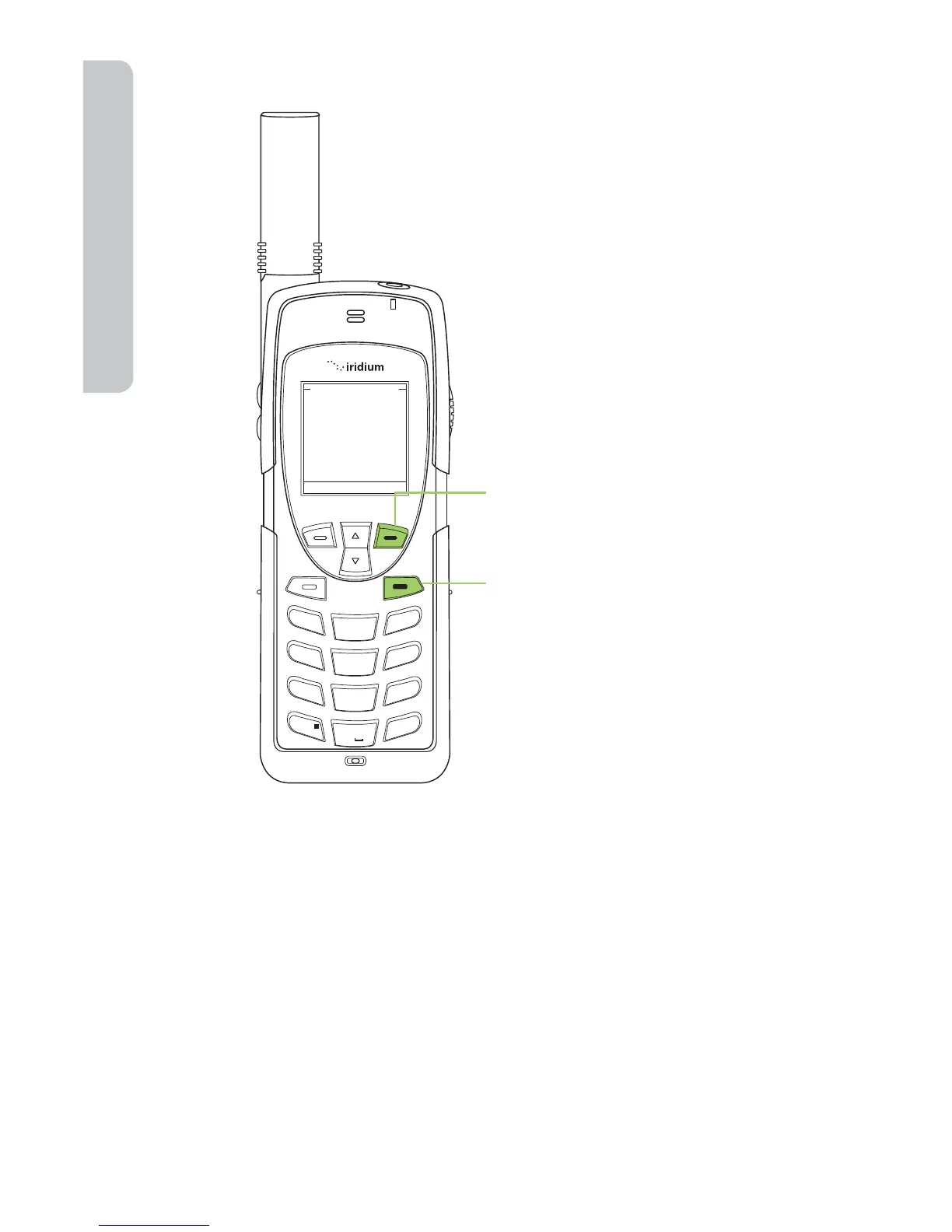
To Return to a Menu
Note: In all other instances the red key will return you to the Main Screen.
Entering Characters
Many of the menu screens have elds where you need to enter
information such as names and addresses. To enter this information you
need to use the keys on the keypad. Entry of text with the keys on the
keypad is discussed in detail in “Traditional Text Entry” on page 51 and
“Predictive Text Entry” on page 57.
Space on SIM:
Used 0 out of 5
Space on phone:
Used 0 out of 100
Phonebook Status
OK Back
1
2
ABC
3
DEF
4
GHI
5 JKL
6
MNO
7
PQRS
8 TUV
9
WXYZ
0 +
#
*
∆
«
When the right soft key is labeled
Back, the key will take you to the
previous screen.
When the key is not labeled Back
use the red key to return to the
previous screen.



 To Next Page