Iridium 9555 Satellite Phone User Manual 49
5: Using Menus and Keys
When creating phonebook entries and/or composing text messages; you
can use both the side volume keys and the navigation key to help navigate
between characters or lines of text without deleting.
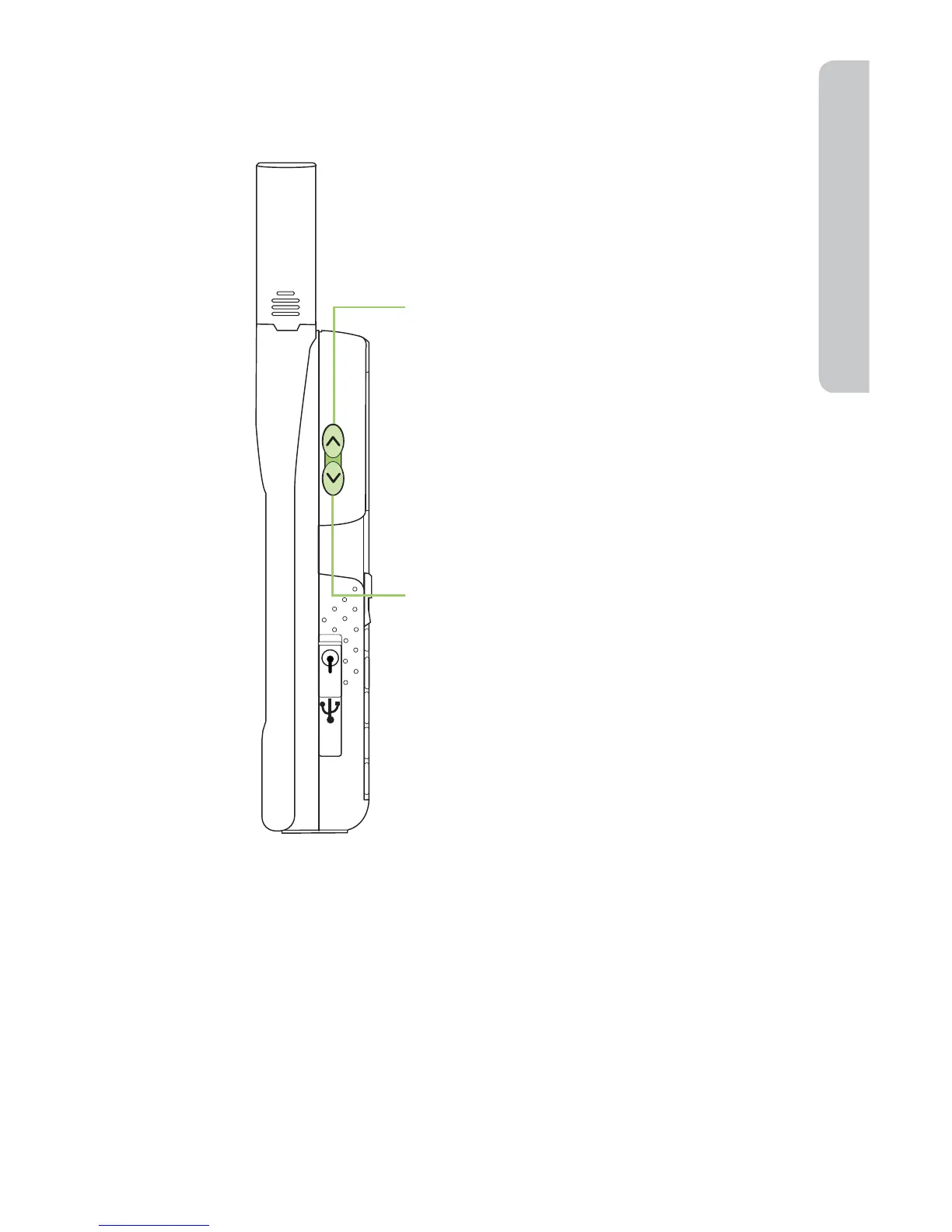
The up volume key takes you backwards
through text when you are editing a phone
book entry. If you are editing a message, it
moves you up a line of text. Choosing Up
on the 2-way Navi-key moves backwards
through message text.
The down volume key takes you forward
through text when you are editing a phone
book entry. If you are editing a message, it
moves you down a line of text. Choosing
Down on the 2-way Navi-key moves
forward through message text.



 To Next Page