62 Iridium 9555 Satellite Phone User Manual
7: Predictive Text Entry
WordWise Text mode
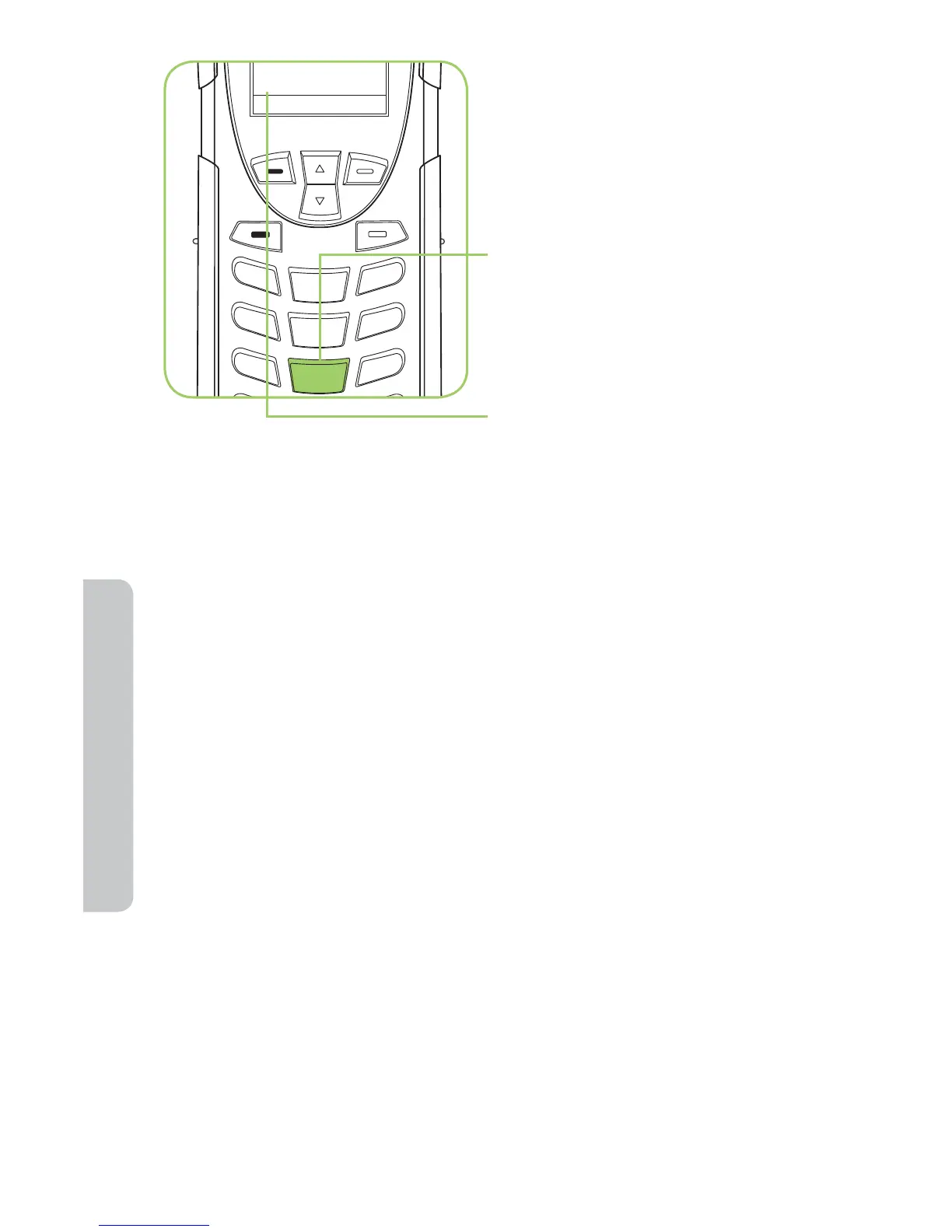
Press the Convenience key until the “ww” symbol appears in the top left
corner of the screen indicating that you have entered WordWise text entry
mode. To enter text in WordWise, press the key containing the rst letter
you want to type ONLY ONCE.
If the correct letter does not appear at rst, continue by pressing the key
that corresponds to the next letter in your text, and so on.
After pressing the last key in the sequence, the word should appear.
However, if the word is underlined (or highlighted), it is possible that an
alternate word (which happens to require the same key presses) appeared
instead. Just press Next key () until the desired word appears.
If the word you are entering is not found in any dictionary you can switch
to LetterWise mode by pressing the convenience key and viewing the top
left corner of the screen.
During use of WordWise, the 1 key can be used to insert punctuation
without changing text entry modes. To insert punctuation, press the 1 key
and then add the appropriate punctuation by using the Next key (
). As
an alternative, you may also use the left option key either “Insert symbol”
or “Enter digits” during WordWise use. This also applies to LetterWise use.
6. Press key 8 for “t” and complete
word.
Desired letter appears.



 To Next Page