72 Iridium 9555 Satellite Phone User Manual
8: Using the Phonebooks
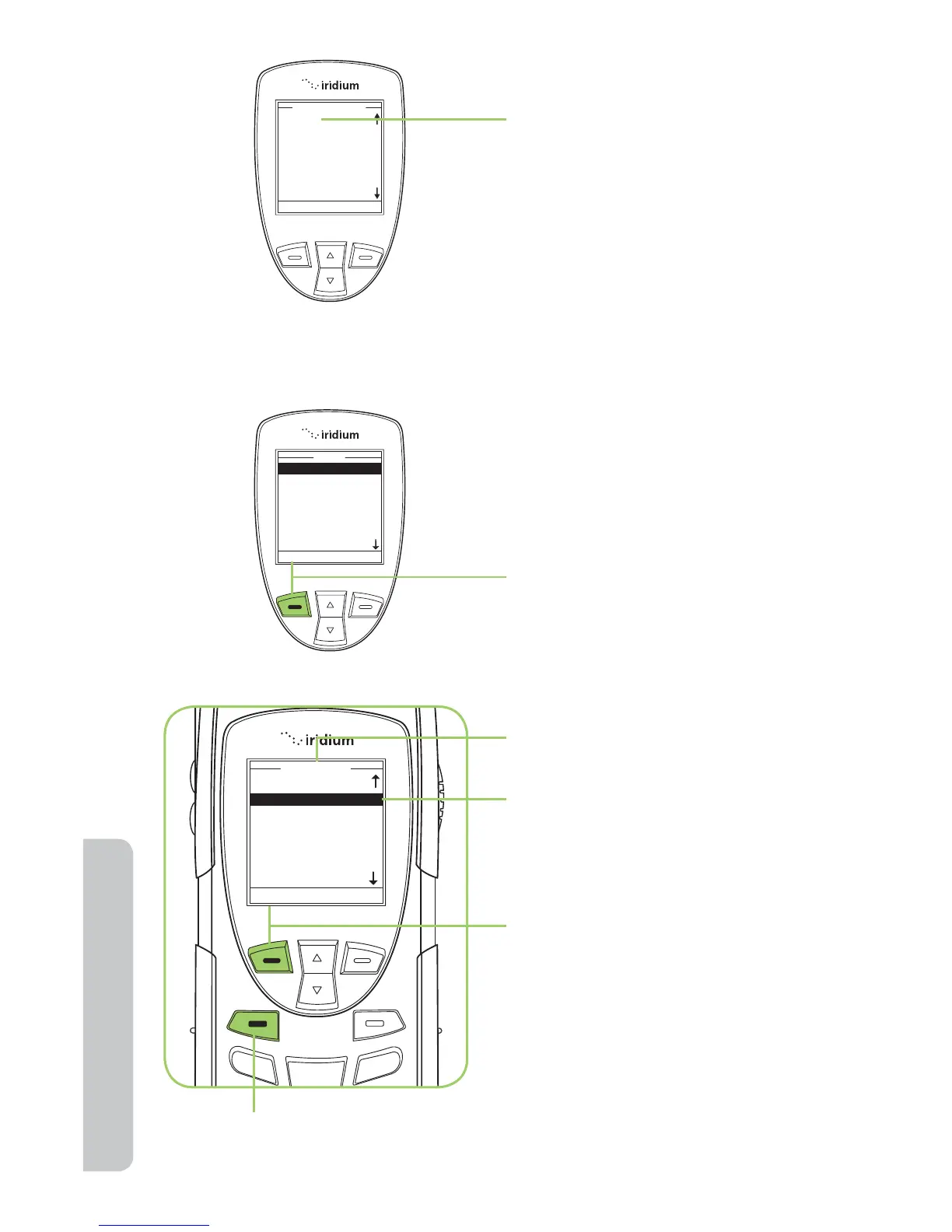
3. If there are no entries Empty
is displayed. See “Add a New
Entry to My Phonebook” on
page 69.
Starting at the Main Menu,
using the 2-way Navi-key,
highlight the Phonebook you
want to use.
1. Press the left soft key,
labeled Select.
2. The Phonebook is displayed.
Use the 2-way Navi-key to
scroll until the desired entry
is located.
3. With the entry highlighted,
press the left soft key
labeled Options.
Note: You can also press the green key as a short-cut to calling an entry.



 To Next Page