28 Iridium 9555 Satellite Phone User Manual
4: Getting Started
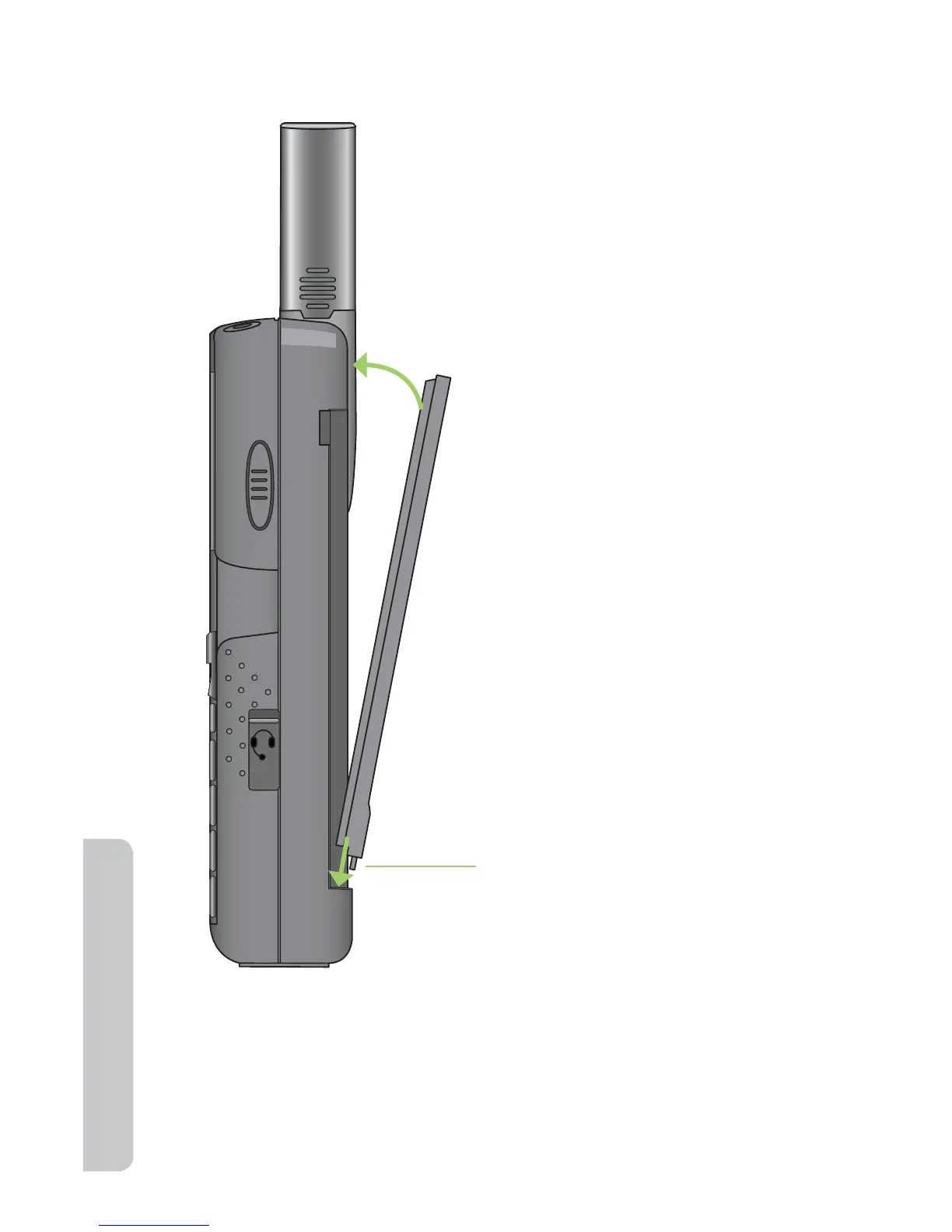
To Install the Battery Pack
1. Align the battery pack pegs
with the slots on the bottom
of the battery compartment.
2. Rotate the top end of the
battery pack into the 9555
Satellite Phone. Press the
battery until it is flush with
the case.
Note: The battery should click
into place and held securely by
the battery latch.
Battery pack pegs



 To Next Page