78 Iridium 9555 Satellite Phone User Manual
8: Using the Phonebooks
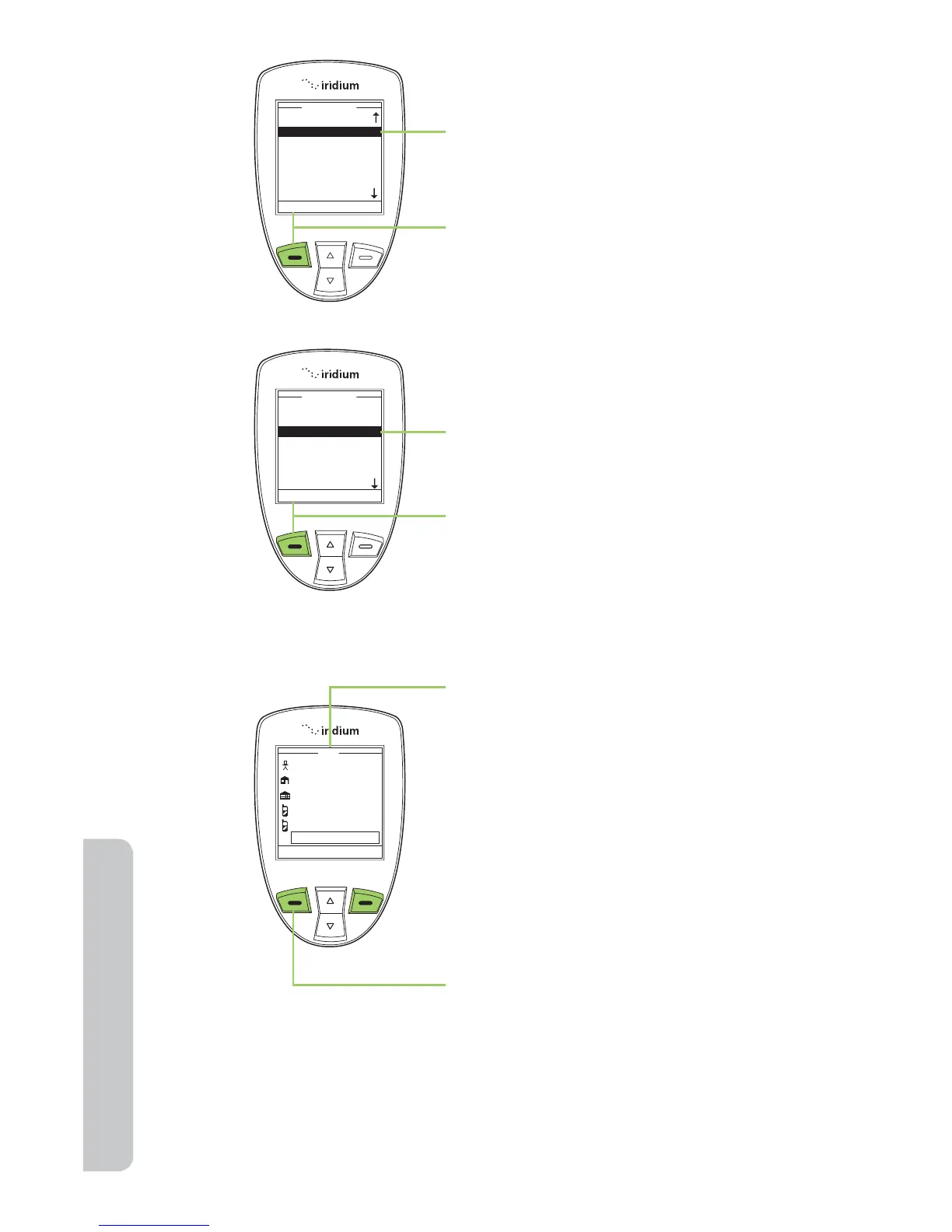
2. The Phonebook is displayed. Use the
2-way Navi-key to scroll until the
desired entry is highlighted.
3. Press the left soft key, labeled
Options.
4. Use the 2-way Navi-key until the
Edit option is highlighted.
5. Press the left soft key, labeled
Select to proceed.
6. The Edit Screen appears. Edit the
entry as needed using the 2-way
Navi-key to scroll to the required
field(s). Use the side volume keys
to navigate backwards (up key)
and forwards (down key) without
deleting and the right soft key,
labeled Clear to delete characters.
Use the keypad to enter new
characters.
7. Press the left soft key, labeled Save.



 To Next Page