80 Iridium 9555 Satellite Phone User Manual
8: Using the Phonebooks
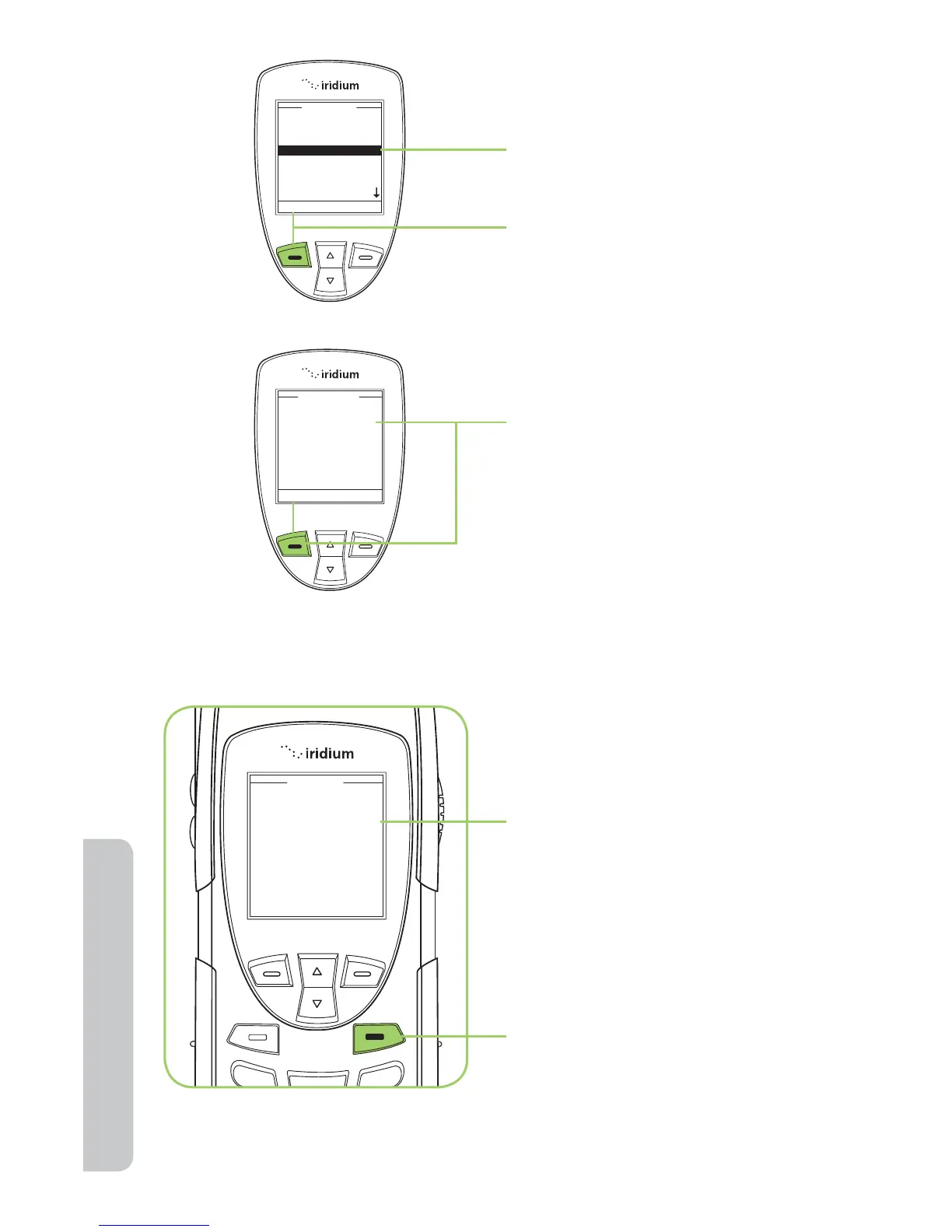
4. Use the 2-way Navi-key
until the Delete option is
highlighted.
5. Press the left soft key,
labeled Select to proceed.
6. You receive a message asking
if you want to delete the
entry. Press the left soft key,
labeled Ye s . If you press No,
the screen reverts to the
previous menu.
7. A message briefly appears
to indicate the entry
was deleted. The main
Phonebook menu then
appears.
8. Press the red key to return to
the Main Screen.



 To Next Page