Iridium 9555 Satellite Phone User Manual 99
9: Using the Messages Menu
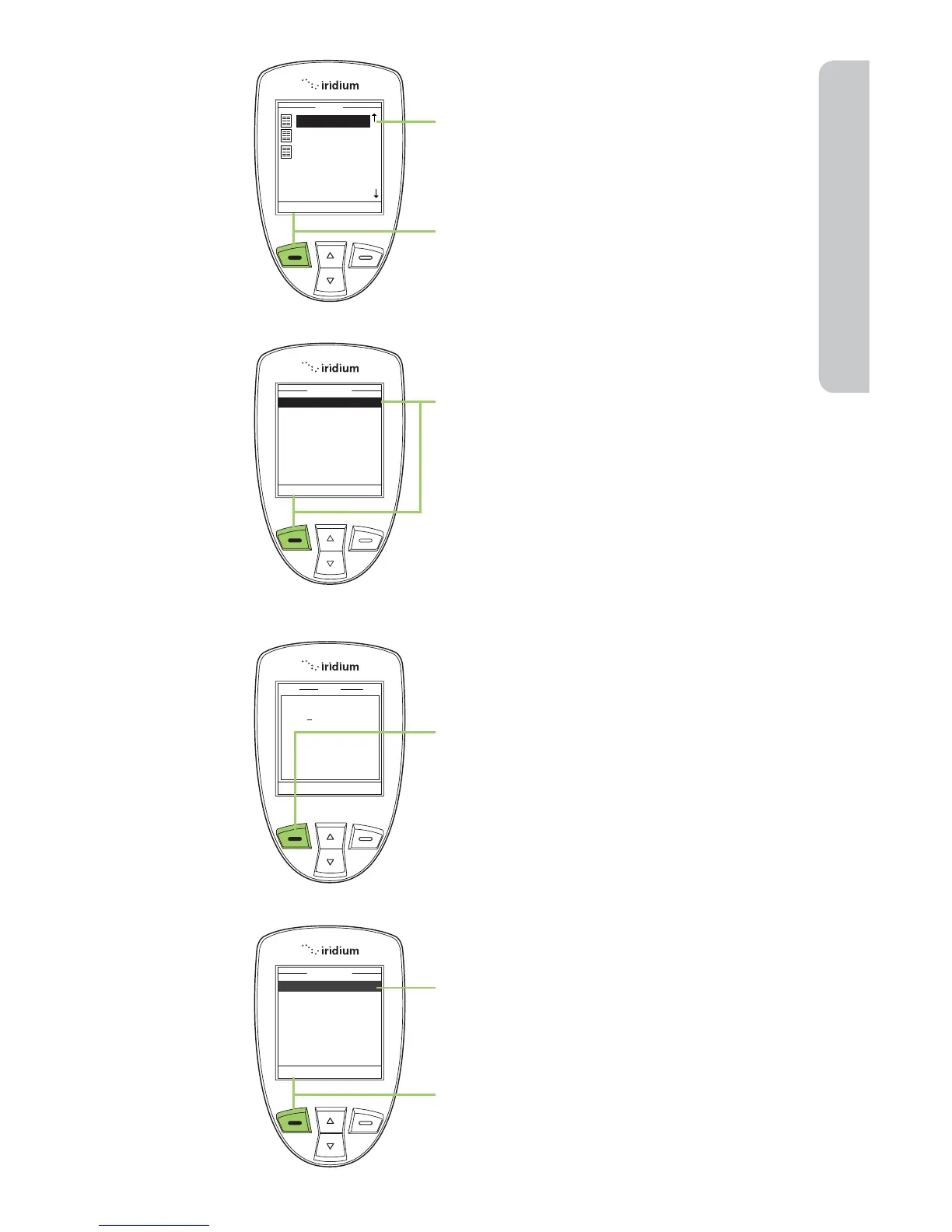
4. Use the 2-way Navi-key to scroll until
the draft message you want to send is
highlighted.
5. Press the left soft key, labeled
Options.
6. Highlight Edit and press the left soft
key, labeled Select.
7. When you are finished editing press
the left soft key, labeled Options.
8. The Send option should be
highlighted. If not use the 2-way
Navi-key to scroll until Send is
highlighted.
9. Press the left soft key, labeled Select
to send the message.



 To Next Page