EasyManua.ls Logo

Iridium 9555 - Page 130

Iridium 9555
193 pages
Print Icon
To Next Page IconTo Next Page
To Previous Page IconTo Previous Page
Loading...
Iridium 9555 Satellite Phone User Manual 119
12: Using the Call History Menu
Call Log
Call Meters
Call History
Select Back
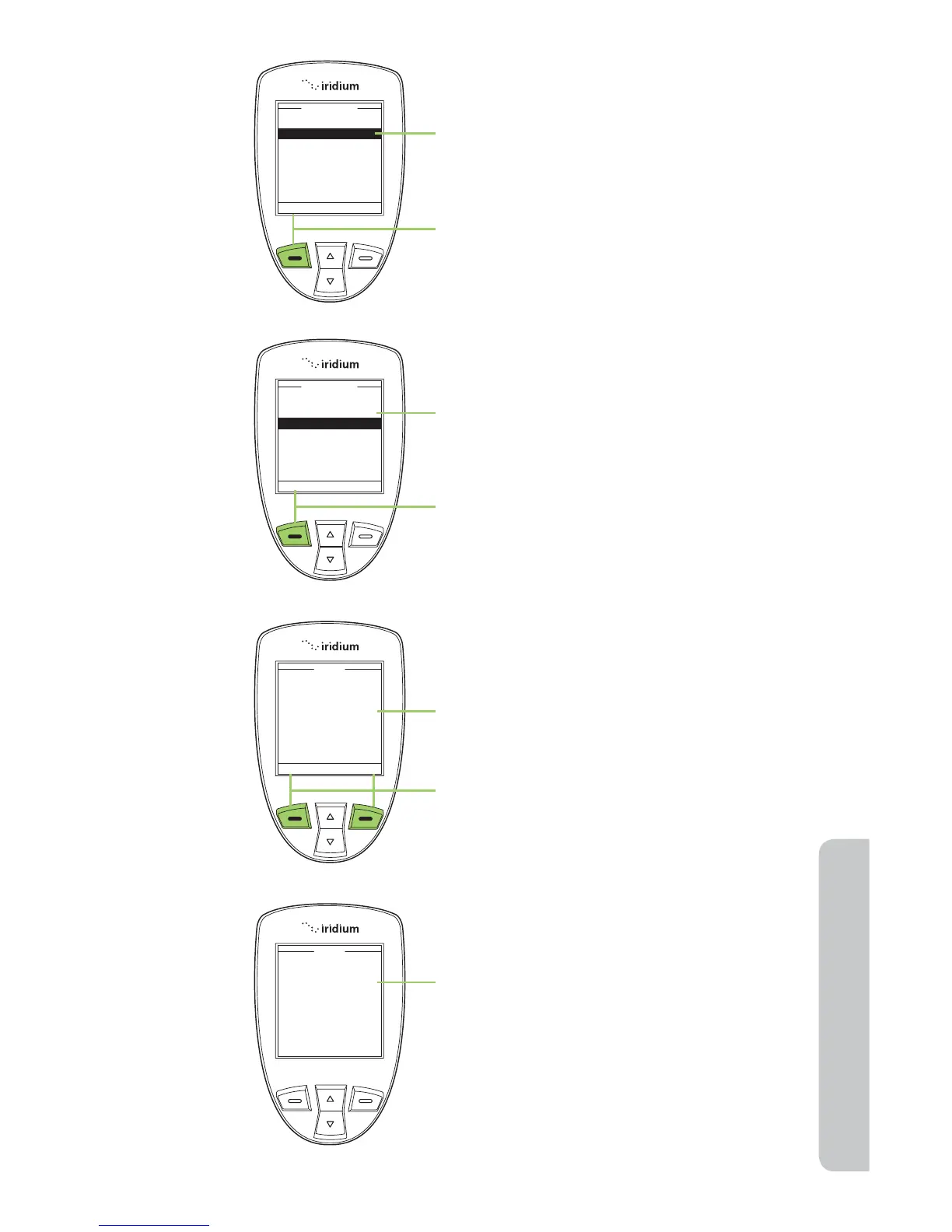
3. Use the 2-way Navi-key to scroll until
Call Meters is highlighted.
4. Press the left soft key, labeled Select.
5. Use the 2-way Navi-key to scroll until
Reset call timer is highlighted.
6. Press the left soft key, labeled Select.
The screen displays: Reset call timers?
7. Press the left soft key for Ye s or the
right soft key for No.
8. If you press Yes , the display reads Call
meters reset.

Reset call timers?
Reset
Yes No
Last call time
Total call time
Reset call timer
Lifetime call time
In-call display
Audible timers
Call Meters
Select Back
Call meters reset.
Reset

Table of Contents