122 Iridium 9555 Satellite Phone User Manual
12: Using the Call History Menu
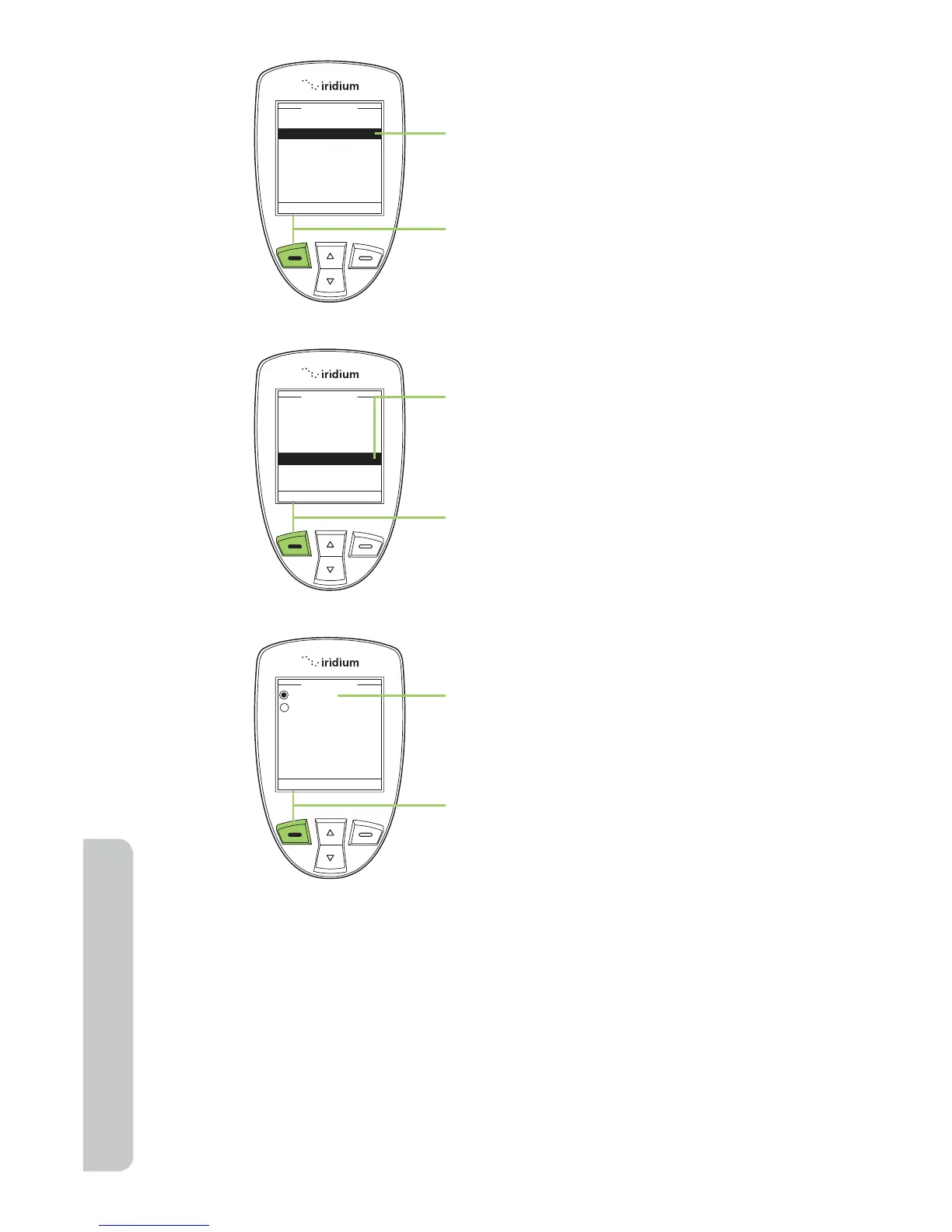
3. Use the 2-way Navi-key to scroll until
Call Meters is highlighted.
4. Press the left soft key, labeled
Select.
5. Use the 2-way Navi-key to scroll
until In-call display is highlighted.
6. Press the left soft key, labeled
Select.
7. Use the 2-way Navi-key to scroll to
Enabled or Disabled.
8. Press the left soft key, labeled
Select.



 To Next Page