126 Iridium 9555 Satellite Phone User Manual
12: Using the Call History Menu
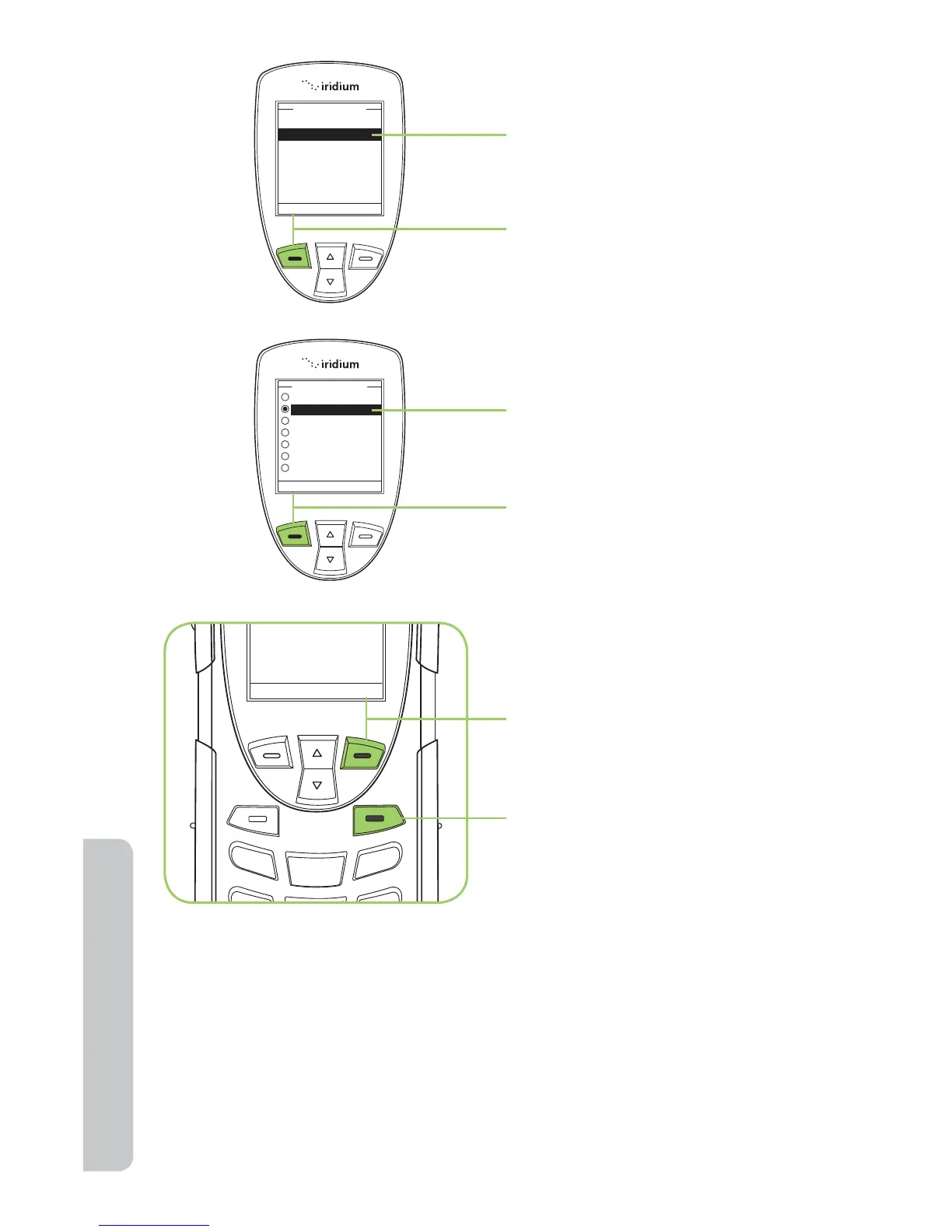
7. Use the 2-way Navi-key
to scroll to the Repetitive
Alert option.
8. Press the left soft key,
labeled Select.
9. Use the 2-way Navi-key
to scroll to the desired
repetitive alert.
10. Press the left soft key,
labeled Select.
11. Press the right soft key
labeled Back to return to
the previous menu.
12. Press the red key to return
to the Main Screen.



 To Next Page