Chapter 5 PROGRAMING MODE
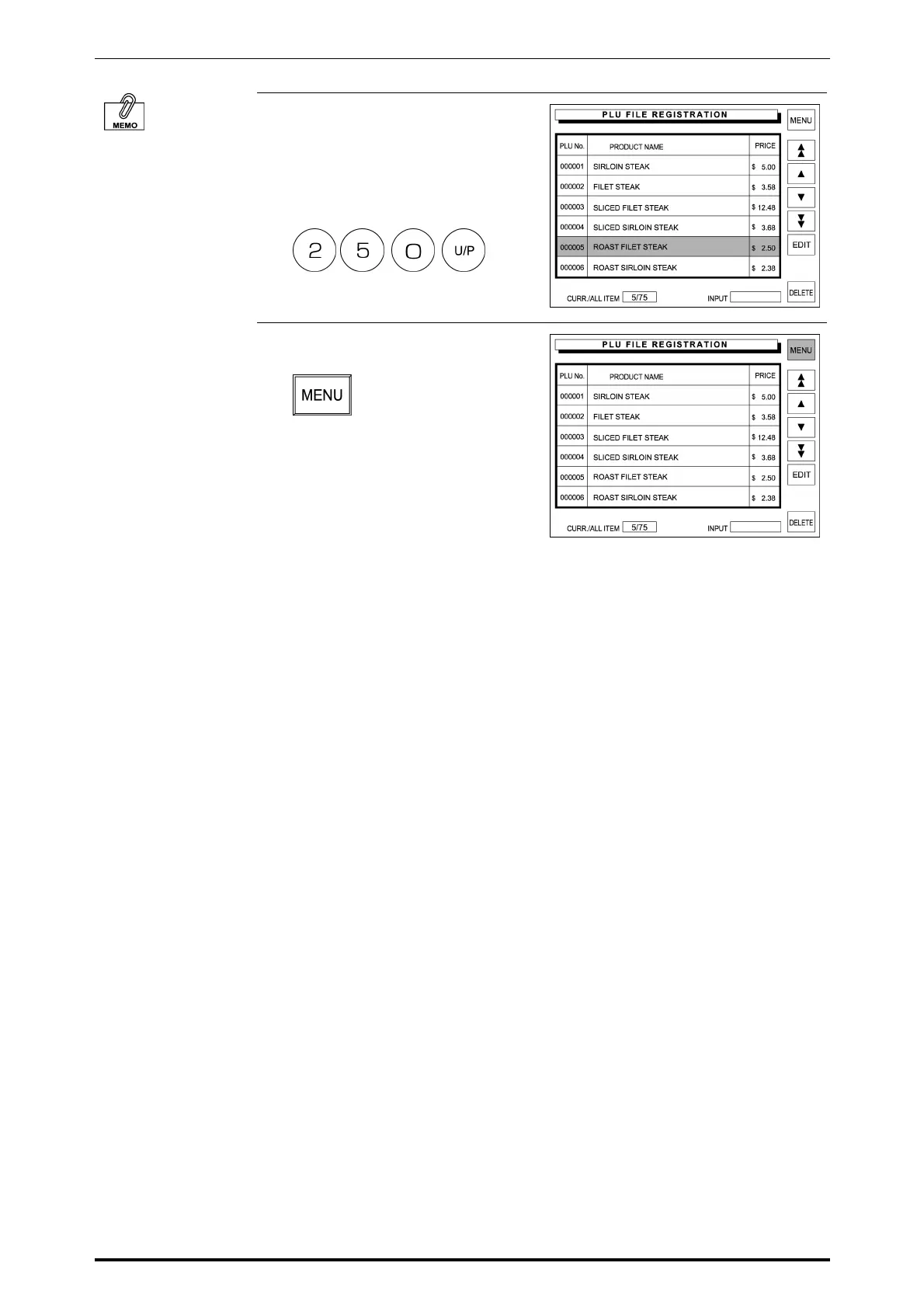
3. Enter the price using the keypad
and press the [U/P] (Unit Price) key
or the [FIX] key to change the
price.
Example: Unit price $2.50
When the unit price is
set, the fixed price
becomes “0”.
When the fixed price is
set, the unit price
becomes “0”.
4. Touch [MENU] to return the display
to the Registration Menu screen.
5-14 SR-2000α User’s Manual (No. 0000A)



 To Next Page