Chapter 5 PROGRAMING MODE
Print Selection of Store Name/Address
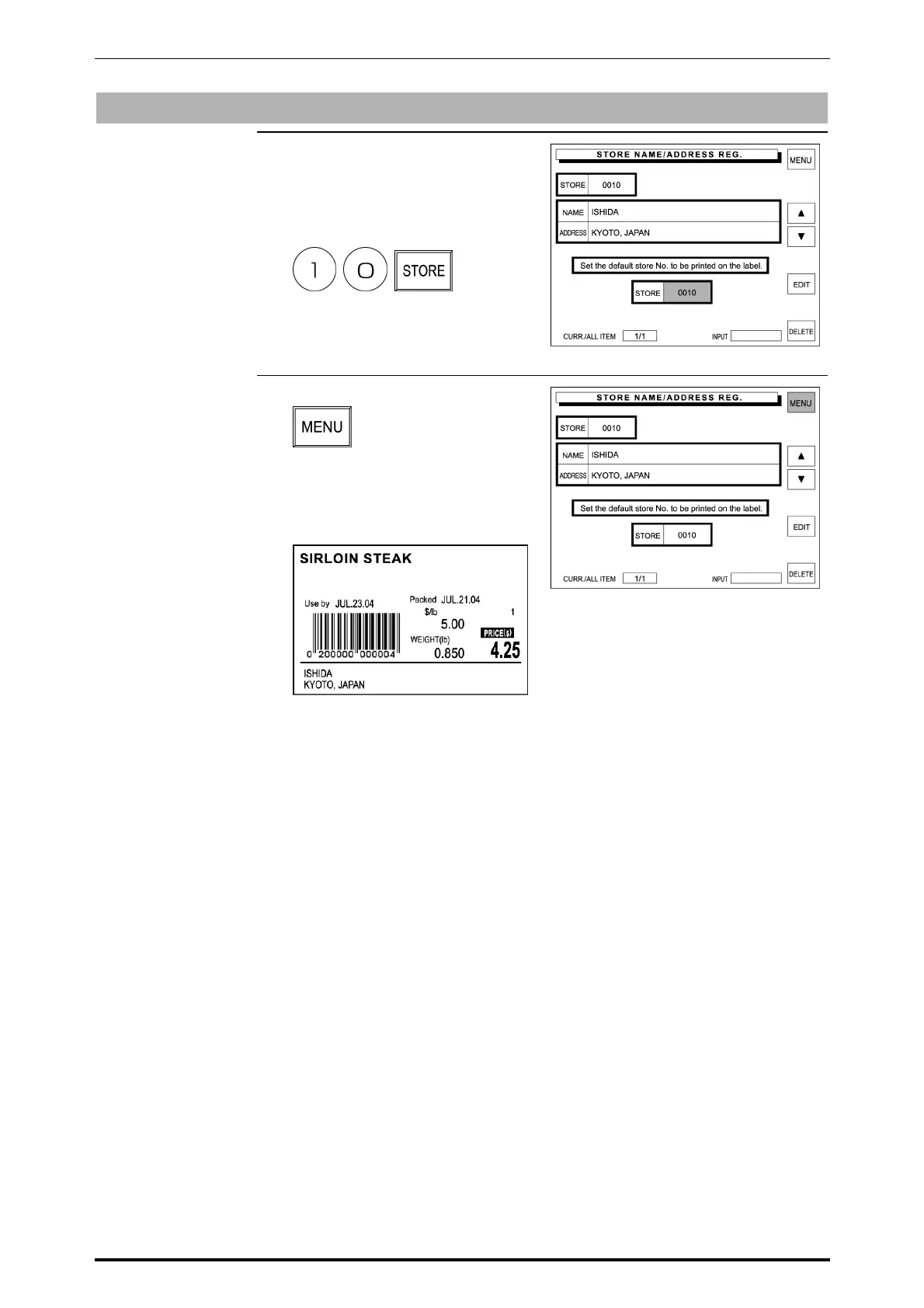
1. Enter the store number, then touch
[STORE] display field on the
screen.
Example: Store number “10”
The store data to be printed on the
label is selected.
2. Touch [MENU] on the screen.
The store name and address will
be printed on the label as shown
below.
SR-2000α User’s Manual (No. 0000A) 5-23



 To Next Page