Chapter 4 TOTAL MODE
4.6 PRESET REPORT
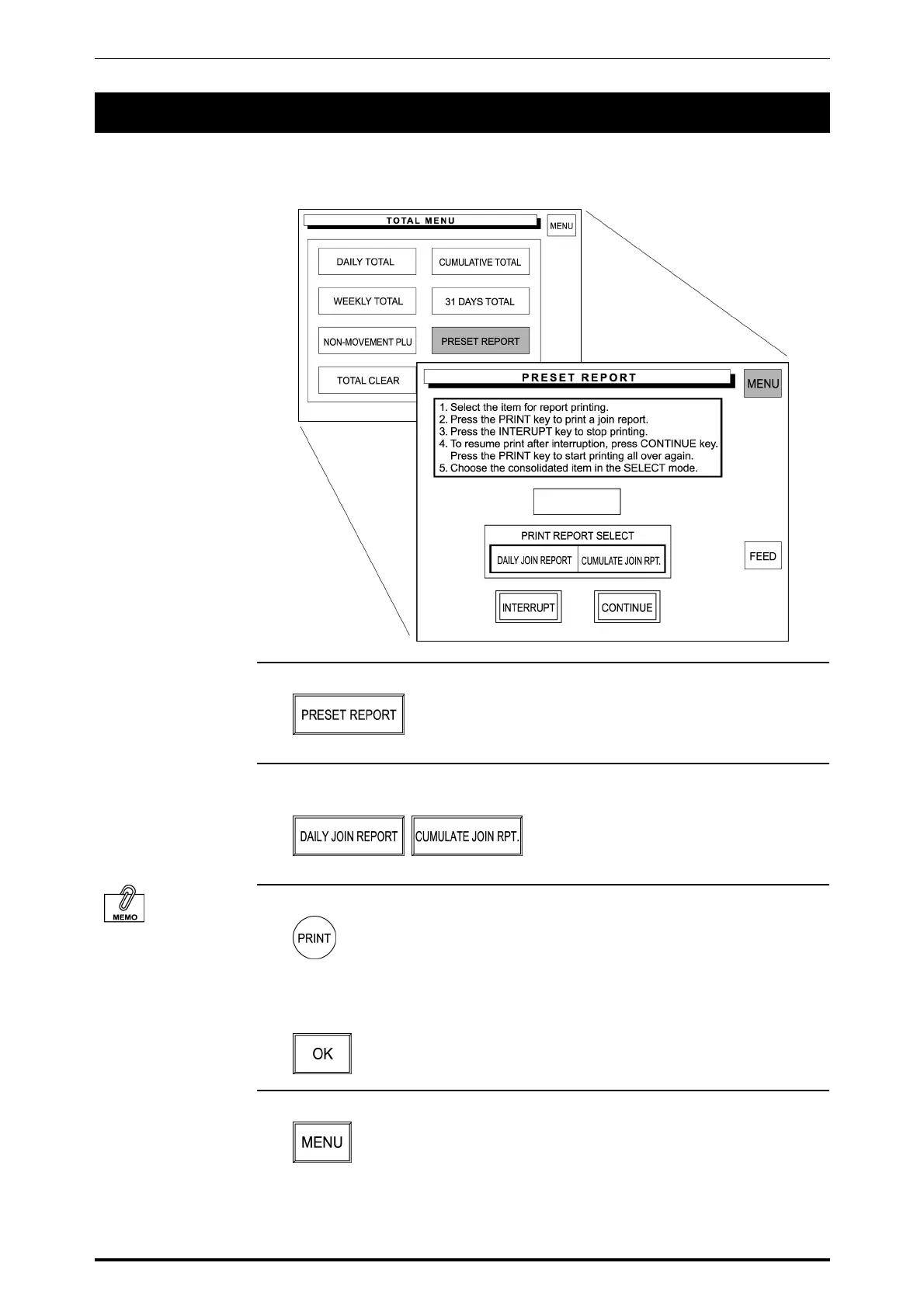
Preset Report is to combine various preset totals when the report is issued.
This report is available for Daily and Cumulative totals.
1. Touch [PRESET REPORT] on the screen.
2. Touch either [DAILY JOIN REPORT] or [CUMULATE JOIN REPORT] to
select.
To stop printing, touch
[INTERRPUT].
To resume printing.
Touch [CONTINUE].
3. Press the PRINT key on the keypad to issue a label.
The confirmation screen appears on the screen for printing a join report.
Touch [OK] on the screen to start printing.
4. Touch [MENU] to return the display to the Daily Total Menu.
4-30 SR-2000α User’s Manual (No. 0000A)



 To Next Page