Chapter 4 TOTAL MODE
4.5 NON-MOVEMENT PLU
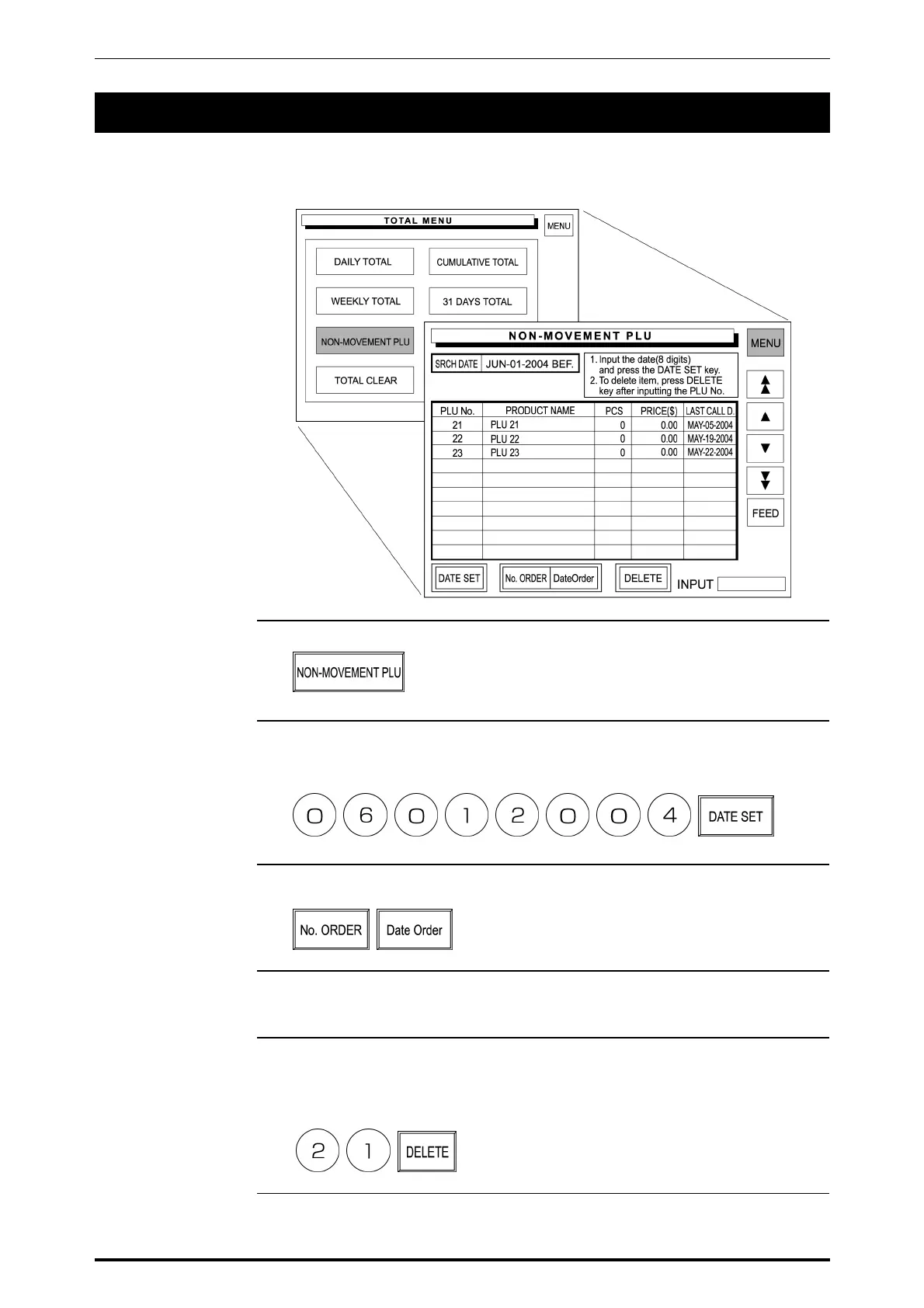
Non-Movement PLU is performed to obtain the list of the PLU data that has not
been sold for the specified period.
1. Touch [NON-MOVEMENT PLU] on the screen.
2. Enter the 8-digit date (MMDDYYYY) and touch [DATE SET] on the screen.
Example: Date set “JUNE-01-2004”
3. Touch either [No. ORDER] or [Date Order] to select.
4. A list of PLUs which have not been sold since the specified date appears on
the screen.
5. When deleting the PLU, enter the PLU number and touch [DELETE] on the
screen.
Example: PLU 21
4-28 SR-2000α User’s Manual (No. 0000A)



 To Next Page