Chapter 3 TOTAL ADJUSTMENT MODE
3.3 NUMBER SUBTRACT
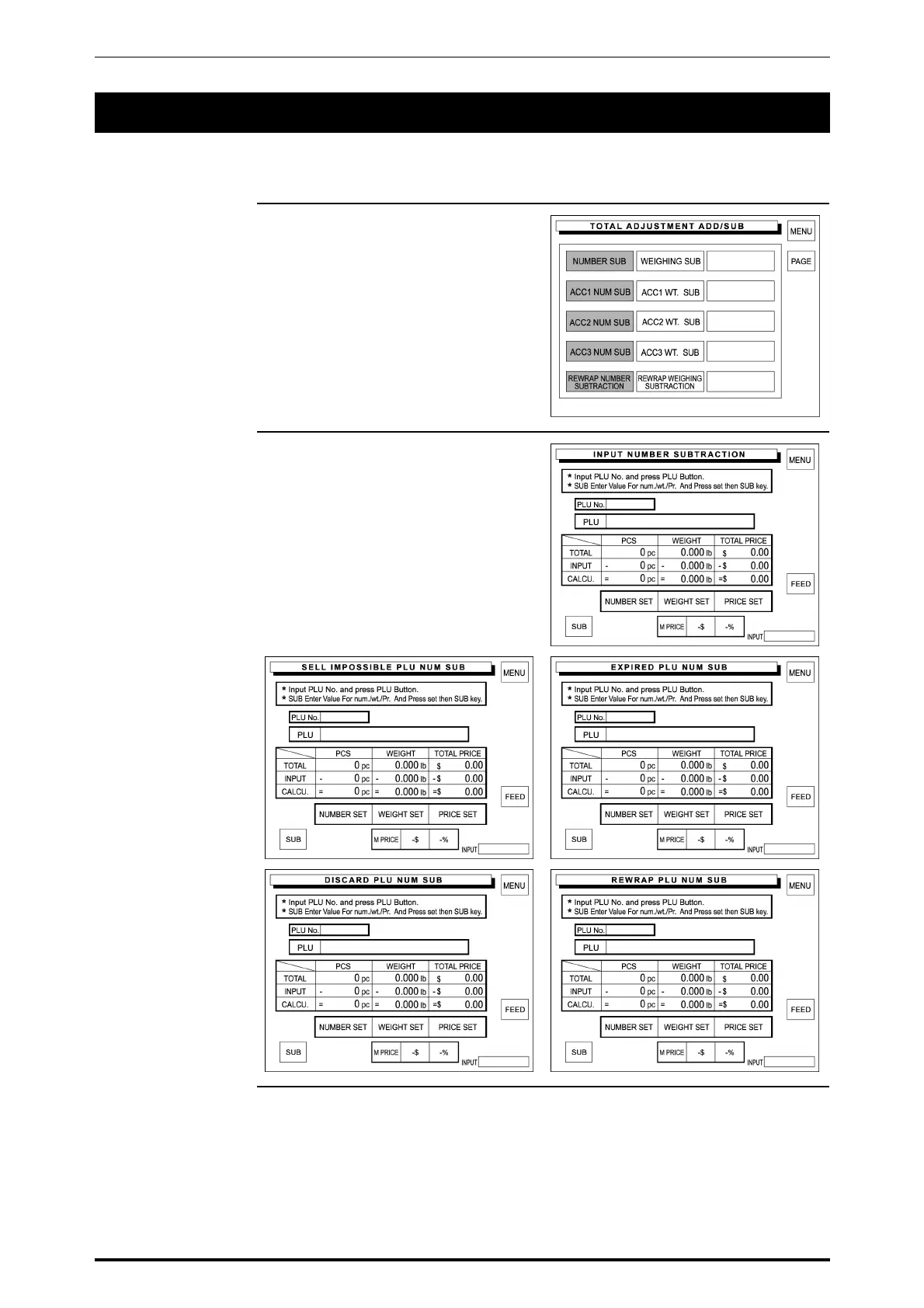
When a product is to be subtracted after checkout, input the quantity, weight, and/or price of the product to
be subtracted from the sales total.
1. Touch a desired subtraction type
on the screen to select.
2. There are five number subtraction
menu screens.
SR-2000α User’s Manual (No. 0000A) 3-7



 To Next Page