Chapter 4 TOTAL MODE
Sales Per Department
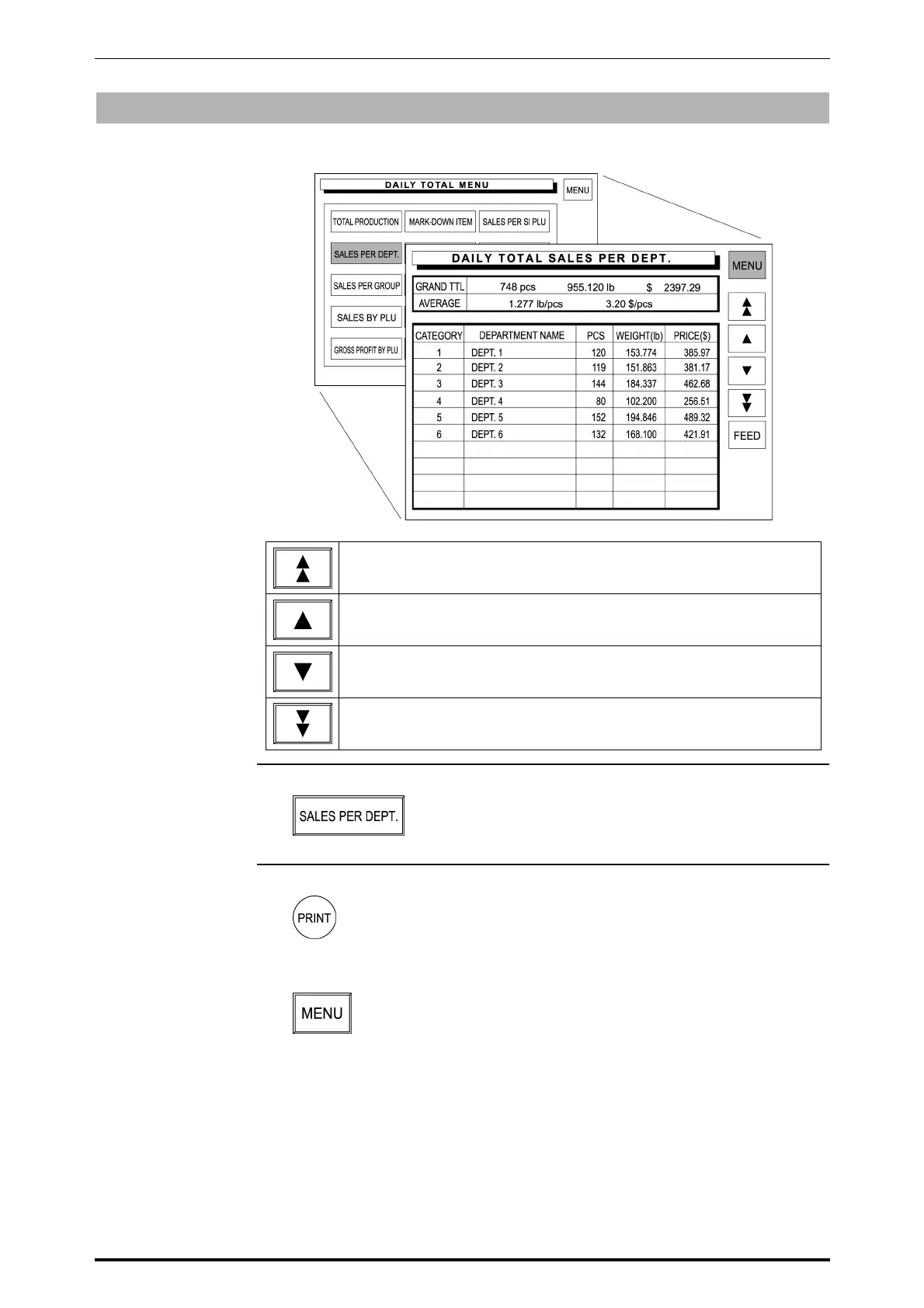
Sales data transacted on that day is totaled for each department.
Used to scroll up for the previous page.
Used to select the previous item.
Used to select the next item.
Used to scroll down for the next page.
1. Touch [SALES PER DEPT.] on the screen.
2. Press the PRINT key on the keypad to issue a label.
Then, touch [MENU] to return the display to the Daily Total Menu.
4-4 SR-2000α User’s Manual (No. 0000A)



 To Next Page