Chapter 5 PROGRAMING MODE
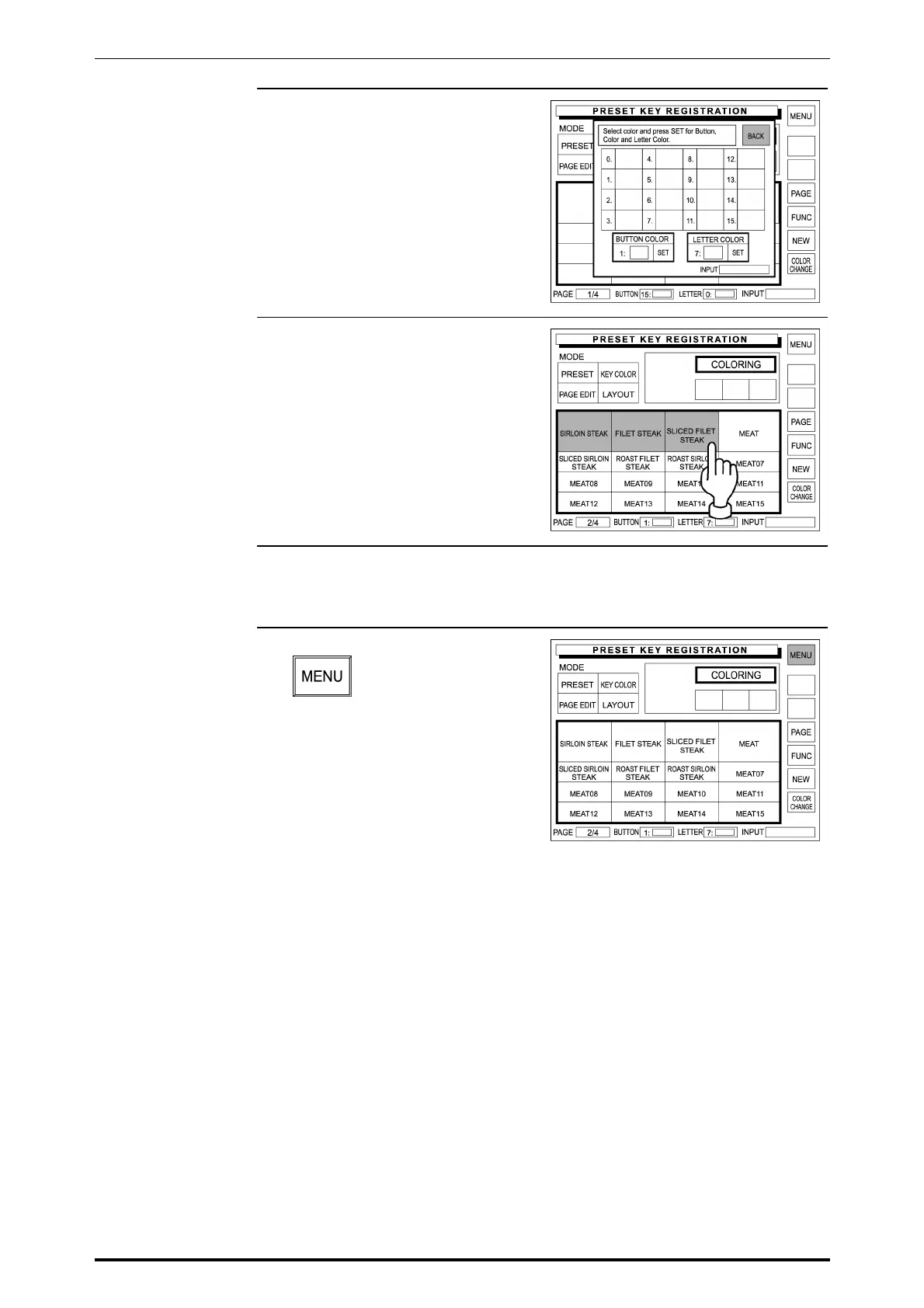
5. Touch [BACK] on the screen to
return to the Preset Key
Registration screen (with PLU
preset keys).
6. Touch a desired PLU preset key to
apply the selected colors.
When the same coloring is applied
to other PLU preset keys,
repeatedly touch desired buttons.
7. When continuing to change PLU
preset key coloring, repeat Steps 3
through 6 above.
8. Touch [MENU] on the screen.
SR-2000α User’s Manual (No. 0000A) 5-31



 To Next Page